
WordPress developers can use Cursor like a VS Code fork aimed at themes and plugins that already live on disk in a local or staging clone. Put WordPress path rules in place, let Agent handle bounded refactors, and never let models touch wp-config secrets. India freelancers can try Start at ₹649/month for Grok and Composer 2.5; choose Pro when you need Other Models. Review every diff before deploying to production hosts.
Project layout that agents understand
Point Cursor at the repo that contains your theme or plugin, not necessarily an entire wp-core tree if core is managed elsewhere. Rules should name the active theme slug, PHP version, and coding standards you enforce.
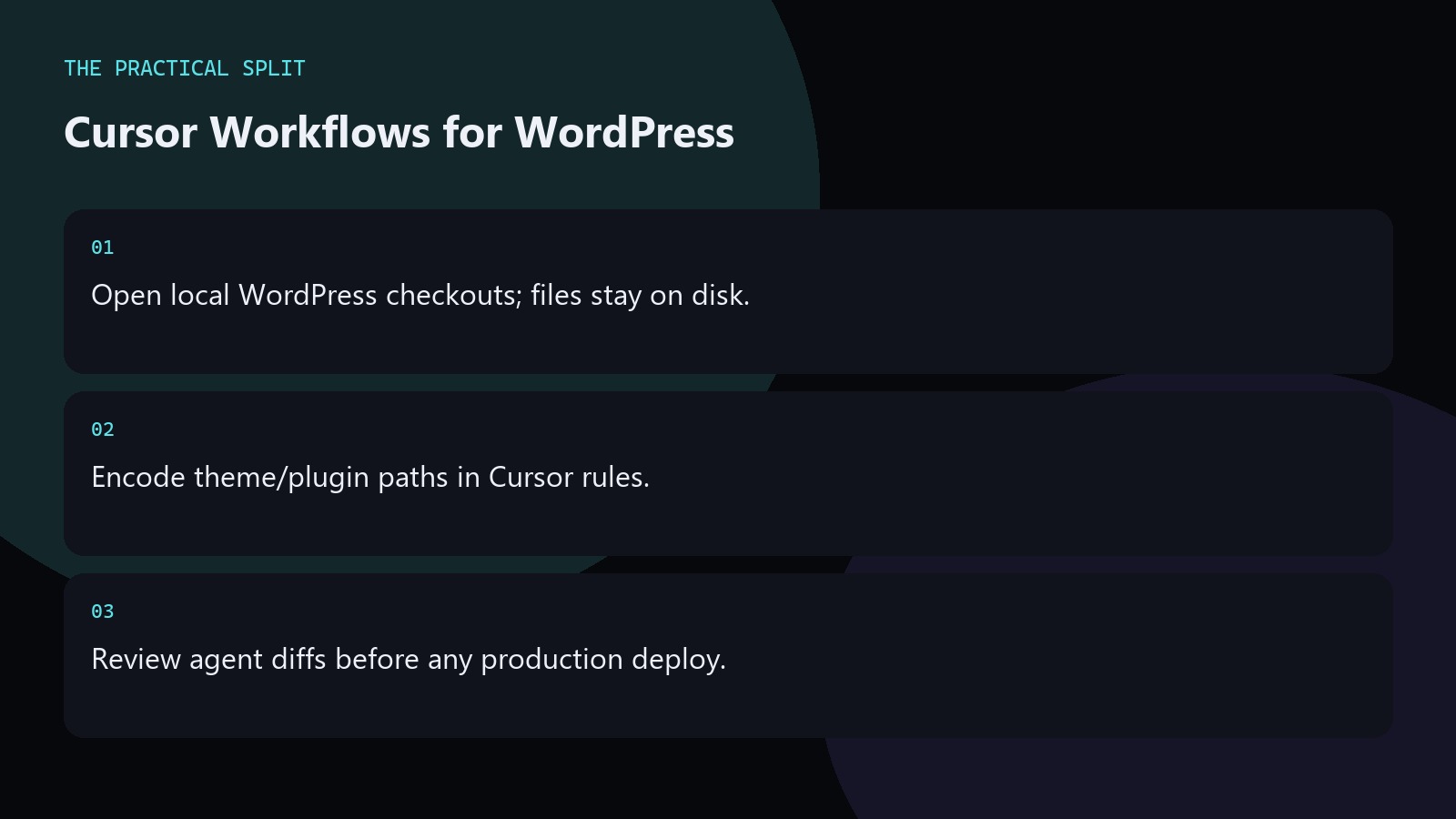
Keep uploads and secrets out of the workspace agents can write when possible. Keep wp-content themes and plugins in git; let agents edit those paths while core stays managed by your host tooling. Add rules that forbid edits to wp-config.php, .env, and credential-bearing mu-plugins.
High-value WordPress tasks
Good fits include CPT scaffolding, block variations, WooCommerce tweaks, and test stubs. Poor fits include blind “optimize the whole site” prompts that touch unrelated plugins.
On Start, stay with Cursor Models. On Pro, you can try Other Models for tougher PHP reasoning when needed. Add rules that forbid edits to wp-config.php, .env, and credential-bearing mu-plugins. Test Agent output on a staging clone before any production deploy, even when the diff looks trivial. Keep wp-content themes and plugins in git; let agents edit those paths while core stays managed by your host tooling.
Deploy discipline
- Commit on a feature branch after Agent runs.
- Run PHPCS/tests you already trust.
- Deploy with your normal pipeline, not from chat.
Test Agent output on a staging clone before any production deploy, even when the diff looks trivial. Keep wp-content themes and plugins in git; let agents edit those paths while core stays managed by your host tooling. Add rules that forbid edits to wp-config.php, .env, and credential-bearing mu-plugins. Write the intended model pool and plan name into your notes before the session so you do not discover a Start exclusion mid-task. Keep git status clean before agent runs, and recheck Cursor pricing when your seat or model needs change.
Related on this site
Frequently asked questions
-
Can Cursor edit a live production site over SFTP?
Prefer local or staging clones with git. Editing production over SFTP with an agent raises downtime and security risk. Keep AI work in version-controlled environments. Never paste production database passwords into prompts, rules, or chat logs. Verify the live Cursor account meter before you promise capacity.
-
Which plan fits WP freelancers in India?
Start at u20b9649/month tax inclusive works if Grok and Composer 2.5 cover your tasks. Upgrade to Pro when you need Other Models or higher agent limits. Never paste production database passwords into prompts, rules, or chat logs. Verify the live Cursor account meter before you promise capacity.
-
Should I put database credentials in rules?
Never. Rules are not a secrets manager. Reference environment variables and keep credentials out of git and prompts. Never paste production database passwords into prompts, rules, or chat logs. Verify the live Cursor account meter before you promise capacity. Verify the live Cursor account meter before you promise capacity.
-
Does Cursor replace Local WP or DevKinsta?
No. Those tools run WordPress stacks. Cursor is the editor/agent layer on top of folders those stacks serve. Never paste production database passwords into prompts, rules, or chat logs. Verify the live Cursor account meter before you promise capacity. Verify the live Cursor account meter before you promise capacity.
Sources
Bdeb Technology builds websites, WordPress systems, and tools on top of models like these. A written quote comes back within 24 hours.