
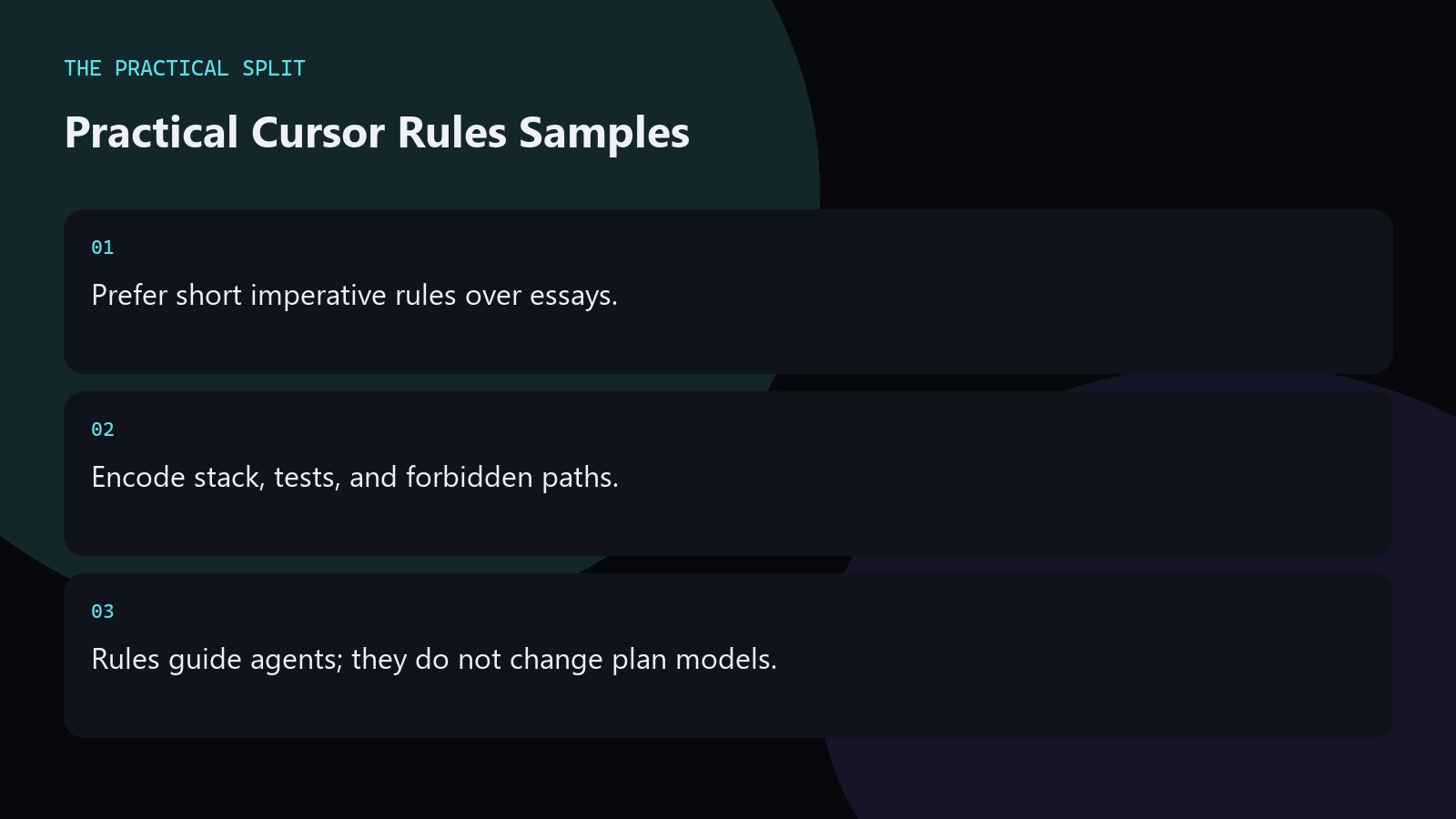
Useful Cursor rules are short, imperative, and tied to your repo: stack versions, test commands, folders agents may touch, and files they must never edit. Examples beat vague “write clean code” slogans. Rules work on Hobby, Start, and Pro alike; they do not expand your model pool—Start still excludes Other Models. Paste a minimal set, run one Agent task, and tighten anything the model ignored. Review diffs in git before you push, and recheck official pricing whenever you change plans.
Core project rules
Start with identity and commands the agent should run. Example lines: “Stack: WordPress PHP 8.2, theme under wp-content/themes/site.” “Run tests with npm test before claiming done.” “Do not edit wp-config.php or .env.”
These constraints survive across chats so you stop re-explaining folder layout. Keep each line one idea. After pasting examples, run one Agent task that should fail the rules if ignored, then tighten any line the model skipped. Prefer repo-relative paths in rules so agents do not invent absolute Windows paths that break on teammate machines.
Style and safety examples
- Prefer existing utilities; do not add new helper files unless asked.
- Match Prettier/ESLint; do not reformat unrelated files.
- Never print secrets into chat or commit credentials.
Add language-specific notes only if your team fights the same mistakes weekly. Delete rules nobody follows. Prefer repo-relative paths in rules so agents do not invent absolute Windows paths that break on teammate machines. Keep a changelog comment at the top of the rules file noting when Start versus Pro model assumptions last changed.
How to validate a rules set
Ask Agent to make a small, safe change and check whether it respected paths and test commands. If it drifts, shorten the rule and make it more concrete. Pair rules with a skill when the workflow is a multi-step playbook rather than a standing constraint. Keep a changelog comment at the top of the rules file noting when Start versus Pro model assumptions last changed. After pasting examples, run one Agent task that should fail the rules if ignored, then tighten any line the model skipped.
Related on this site
Frequently asked questions
-
How many rules is too many?
If agents start ignoring the list, you have too many or they conflict. Aim for a tight page of constraints. Move long procedures into skills or docs instead of stuffing them into rules. Delete example lines that do not match your stack so agents are not pulled in two directions.
-
Should rules include model choice?
You can note preferred models, but the plan still gates access. Start cannot use Other Models even if a rule mentions Claude. Align rules with what the seat can actually call. Delete example lines that do not match your stack so agents are not pulled in two directions.
-
Can I share examples across repos?
Yes. Keep a private template for PHP, React, or WordPress and trim per project. Shared secrets must never live in rules checked into public git. Delete example lines that do not match your stack so agents are not pulled in two directions.
-
Do rules affect Tab completions?
Rules primarily steer agent and chat behavior with project context. Tab still benefits from open files and local patterns. Clear rules help multi-file Agent work more than single-token Tab. Delete example lines that do not match your stack so agents are not pulled in two directions.
Sources
Bdeb Technology builds websites, WordPress systems, and tools on top of models like these. A written quote comes back within 24 hours.