
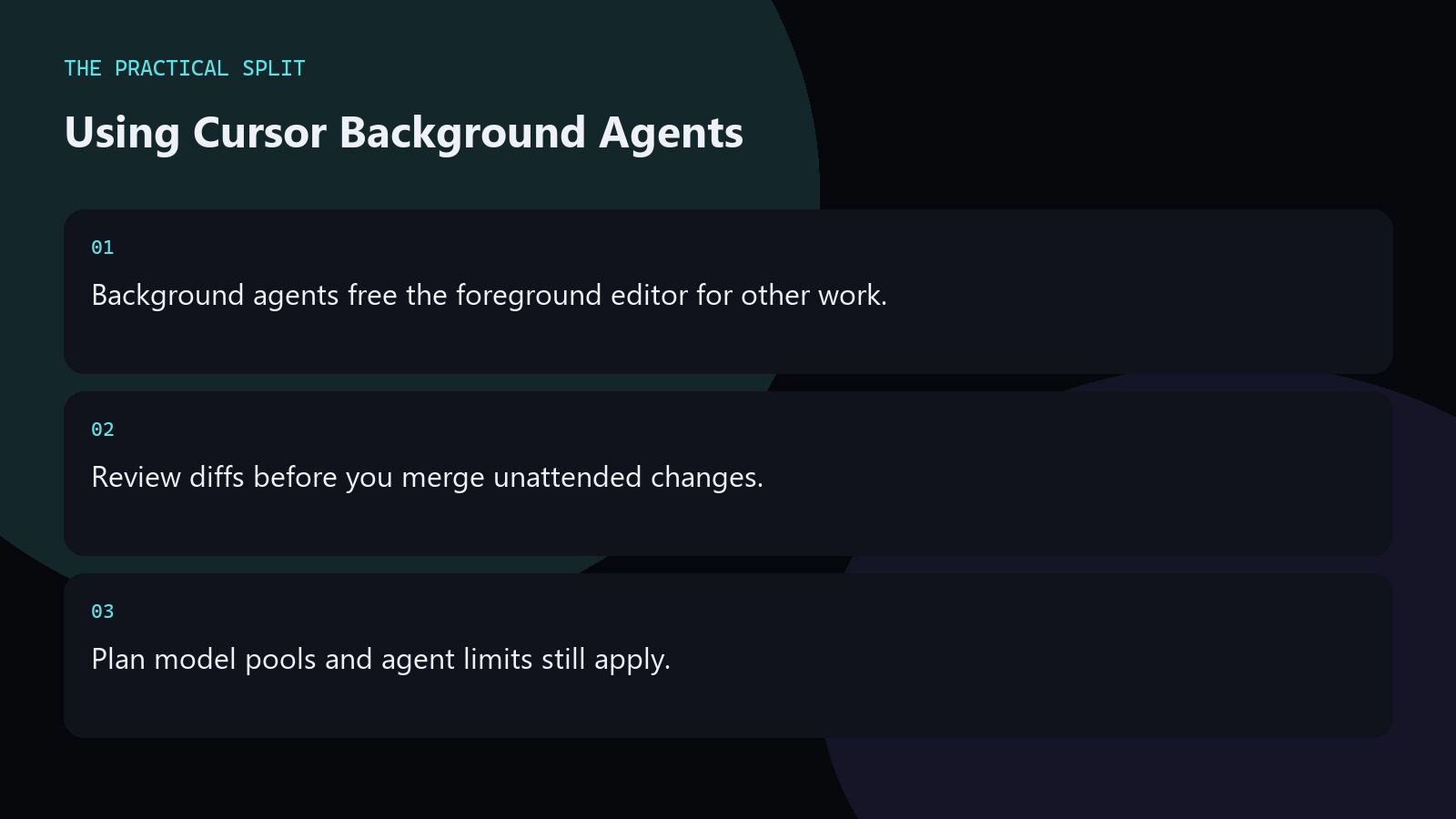
Cursor background agents let work continue without tying up your foreground editing session, which helps on longer refactors or investigation tasks you will review later. They still edit your project under the same plan limits—Start in India stays on Cursor Models only, while Pro and higher add Other Models and extended agent capacity. Treat output like any unattended change: read the diff before merge. Cloud Agents are a related paid capability; confirm naming and availability on your plan.
Good jobs for background agents
Use them when the task is bounded: migrate a folder of imports, draft tests for a module, or gather call sites for a deprecated API. Avoid vague goals like “improve the whole app,” which wander and burn limits.
Kick off the job with clear acceptance checks: which tests must pass, which paths are in scope, and what to leave untouched. Prefer background runs for mechanical migrations with a clear done condition, not for open-ended architecture debates. Mirror the same rules file the IDE uses so background sessions do not invent a second coding standard.
Background vs Cloud Agents
Background agents keep momentum inside your Cursor workflow while you continue editing. Cloud Agents are listed among paid-plan capabilities alongside Bugbot and extended agent limits—verify current product naming on Cursor’s docs for your tier.
Pro ($20), Pro+ ($60), and Ultra ($200) before tax include broader pools and paid agent features. Start does not unlock Other Models for either path. Mirror the same rules file the IDE uses so background sessions do not invent a second coding standard. If a background job touches more than the stated paths, stop it, revert, and rewrite the prompt with explicit globs.
Safety habits
- Branch before long unattended runs.
- Forbid secrets and production config in rules.
- Stop jobs that drift outside the stated paths.
If a background job touches more than the stated paths, stop it, revert, and rewrite the prompt with explicit globs. Prefer background runs for mechanical migrations with a clear done condition, not for open-ended architecture debates. Mirror the same rules file the IDE uses so background sessions do not invent a second coding standard. Write the intended model pool and plan name into your notes before the session so you do not discover a Start exclusion mid-task. Keep git status clean before agent runs, and recheck Cursor pricing when your seat or model needs change.
Related on this site
Frequently asked questions
-
Do background agents need Pro?
Agent capacity and features are plan-gated. Paid plans advertise extended agent limits and Cloud Agents. Check your account for background agent availability on Hobby or Start rather than assuming parity with Pro. Prefer feature branches and clear stop conditions whenever work continues unattended.
-
Can Start run background agents on Claude?
No. Start only includes Cursor Models: Grok 4.6, Grok 4.5, and Composer 2.5. Claude sits in Other Models on Pro and above. Prefer feature branches and clear stop conditions whenever work continues unattended. Verify the live Cursor account meter before you promise capacity.
-
What if the agent edits the wrong files?
Revert with git, tighten rules and the promptu2019s path list, and rerun on a clean branch. Unattended edits make version control non-negotiable. Prefer feature branches and clear stop conditions whenever work continues unattended. Verify the live Cursor account meter before you promise capacity.
-
Are background agents the same as Bugbot?
No. Bugbot is a separate paid-plan capability aimed at bug-oriented workflows. Background agents are about continuing work while you do something else. Confirm both on the pricing docs. Prefer feature branches and clear stop conditions whenever work continues unattended. Verify the live Cursor account meter before you promise capacity.
Sources
Bdeb Technology builds websites, WordPress systems, and tools on top of models like these. A written quote comes back within 24 hours.