
Cursor’s agent CLI is for developers who want agent runs from the terminal instead of only clicking inside the IDE. Authentication and plan limits still bind: India Start at ₹649 covers Cursor Models only, while Pro and higher unlock Other Models and extended agent limits. Files remain on disk under your project. Use the CLI for scripted or SSH-friendly sessions, then review diffs in git before you push. Review diffs in git before you push, and recheck official pricing whenever you change plans.
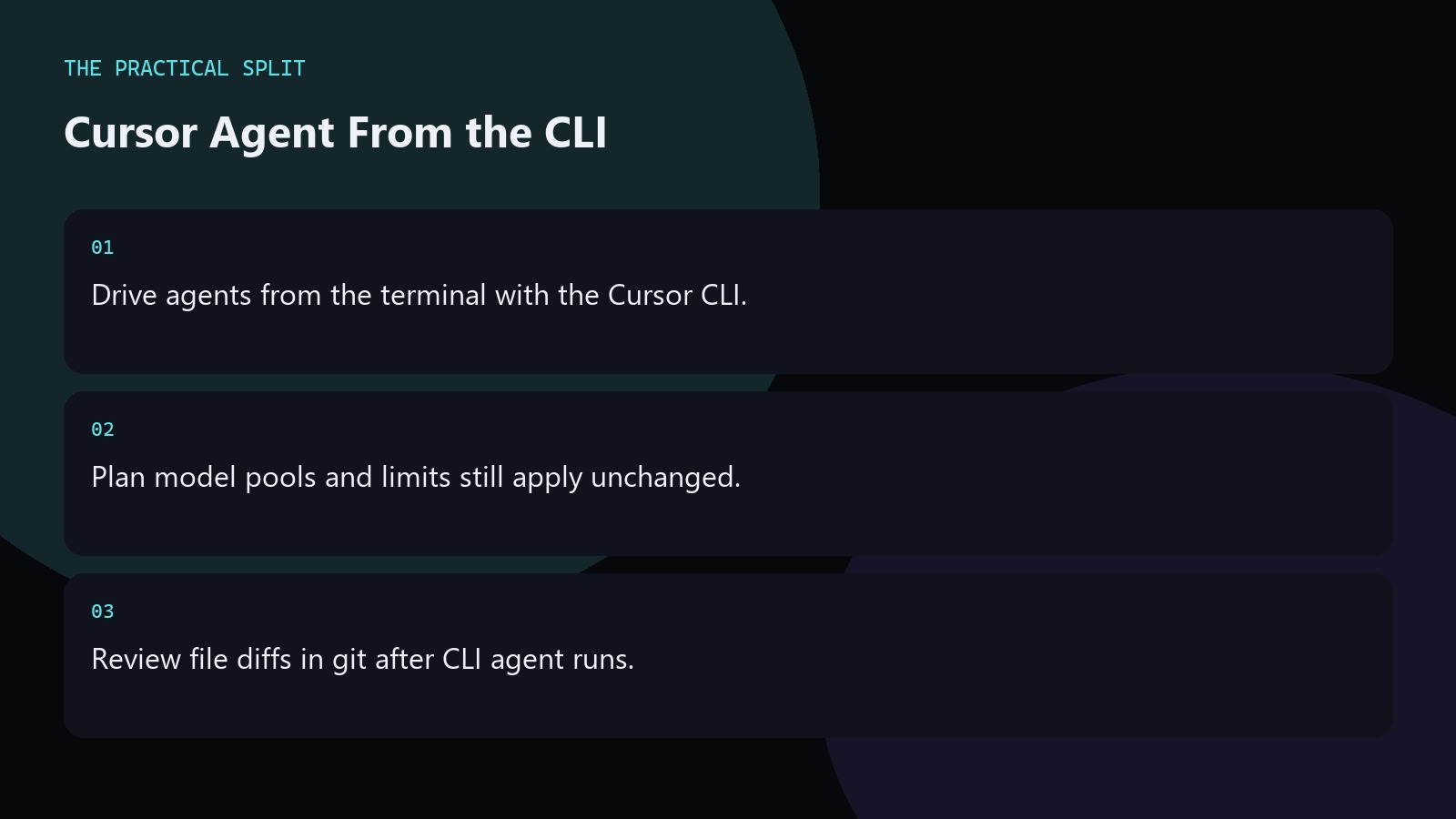
Where the CLI fits
Use the agent CLI when you already live in git and shells—servers, WSL, or scripted chores. The IDE remains better for visual multi-file review, but the CLI helps when you cannot open the full GUI.
Keep the same rules file conventions so CLI and IDE agents share project constraints. Pin the working directory in scripts so CI-like local wrappers cannot accidentally agent-edit a parent monorepo. Log the model pool you expected in the script output to catch Start-versus-Pro surprises early.
Plans and models at the CLI
Whatever you call from the CLI still spends against your seat. Start cannot reach Other Models or Fast mode. Pro ($20/mo before tax) and above include both pools plus paid agent features listed on the pricing page.
Teams adding third-party model traffic should remember the Cursor Token Rate of $0.25 per million tokens on top of API price; Cursor’s own models are exempt. Log the model pool you expected in the script output to catch Start-versus-Pro surprises early. Prefer dry-run style prompts first when learning the CLI so you learn flags without rewriting production paths.
Operational checklist
- Authenticate with the correct Cursor account.
- Run inside the intended repo root.
- Commit or stash before large agent jobs.
Prefer dry-run style prompts first when learning the CLI so you learn flags without rewriting production paths. Pin the working directory in scripts so CI-like local wrappers cannot accidentally agent-edit a parent monorepo. Log the model pool you expected in the script output to catch Start-versus-Pro surprises early. Write the intended model pool and plan name into your notes before the session so you do not discover a Start exclusion mid-task. Keep git status clean before agent runs, and recheck Cursor pricing when your seat or model needs change.
Related on this site
Frequently asked questions
-
Is the agent CLI separate from Cursor IDE?
It is the terminal interface to Cursor agent workflows tied to your account. You still need a valid Cursor plan. Many developers use both: CLI to kick work, IDE to inspect results. Keep CLI auth tokens off shared build agents unless your security team approved the pattern.
-
Does CLI bypass Start model limits?
No. Start remains limited to Grok 4.6, Grok 4.5, and Composer 2.5 without Fast mode or effort changes, whether you use the IDE or CLI. Keep CLI auth tokens off shared build agents unless your security team approved the pattern.
-
Can I automate CLI agents in CI?
Treat CI automation carefully: secrets, spend, and unreviewed diffs are risks. Prefer local or gated jobs with human review. Check Cursoru2019s current docs for supported automation patterns. Keep CLI auth tokens off shared build agents unless your security team approved the pattern.
-
How is this different from how-to-use-cursor-cli?
Agent CLI focuses on agent task entry points. Broader Cursor CLI usage covers install, auth, and general commands. Read both if you live in the terminal. Keep CLI auth tokens off shared build agents unless your security team approved the pattern.
Sources
Bdeb Technology builds websites, WordPress systems, and tools on top of models like these. A written quote comes back within 24 hours.