
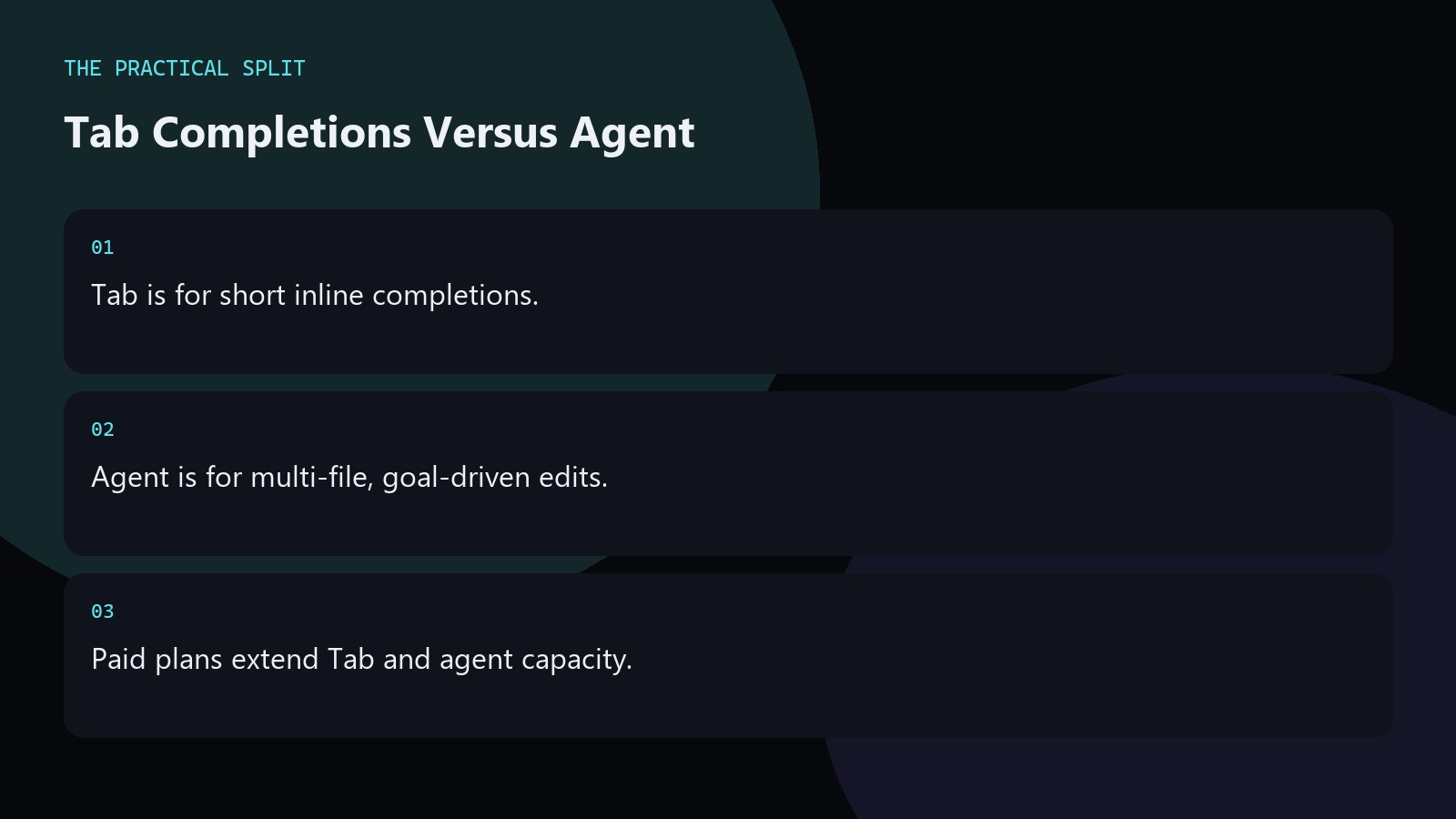
Cursor Tab offers inline completions as you type, while Agent takes a goal and edits across files with your review. Reach for Tab on small, local changes; reach for Agent when the task spans modules or needs investigation. Paid plans list unlimited Tab completions and extended agent limits, plus Bugbot and Cloud Agents. Hobby and Start are tighter—verify live. Model choice still follows your pool: Start stays on Cursor Models only.
Tab in daily coding
Tab shines on boilerplate, obvious next lines, and repetitive edits inside the open file. Accept suggestions you understand; reject noisy ones quickly so the model stays aligned.
If you find yourself chatting to describe a ten-file refactor, that job belongs to Agent, not Tab. Default to Tab while you are mid-function, and escalate to Agent only when you can name the files that must change. Write Agent prompts with acceptance tests so you can reject diffs that do not prove the claim.
Agent without chaos
Give Agent a concrete outcome, path boundaries, and test commands. Review every diff. On Start, Agent runs with Grok or Composer 2.5 under non-fast, medium-effort Grok rules.
Pro and above can route Agent through Other Models when those models fit the bug or language. Write Agent prompts with acceptance tests so you can reject diffs that do not prove the claim. Watch usage: a careless Agent marathon can exhaust Start or Hobby faster than a full day of Tab accepts.
Quick chooser
- One function tweak → Tab.
- Cross-file bug → Agent.
- Long unattended job → background or Cloud Agents on paid plans.
Watch usage: a careless Agent marathon can exhaust Start or Hobby faster than a full day of Tab accepts. Default to Tab while you are mid-function, and escalate to Agent only when you can name the files that must change. Write Agent prompts with acceptance tests so you can reject diffs that do not prove the claim. Write the intended model pool and plan name into your notes before the session so you do not discover a Start exclusion mid-task. Keep git status clean before agent runs, and recheck Cursor pricing when your seat or model needs change.
Related on this site
Frequently asked questions
-
Is Tab available on Hobby?
Tab exists across Cursor experiences, but free-tier ceilings apply. Paid plans advertise unlimited Tab. Check your usage meter instead of assuming unlimited on Hobby. Escalate to Agent only when you can list the files and the definition of done. Verify the live Cursor account meter before you promise capacity.
-
Does Agent replace Composer?
Agent and Composer both help with larger edits; Composer is geared to multi-file drafting with model assistance. Try both on the same task and keep the one that produces cleaner diffs for you. Escalate to Agent only when you can list the files and the definition of done.
-
Which burns limits faster?
Agent tasks usually consume more than a few Tab accepts because they plan and edit broadly. Scope prompts tightly on Hobby or Start. Escalate to Agent only when you can list the files and the definition of done. Verify the live Cursor account meter before you promise capacity.
-
Can rules help Tab or only Agent?
Rules mainly stabilize agent and chat behavior with project constraints. Tab still leans on open editors and local patterns. Good rules still improve Agent reliability a lot. Escalate to Agent only when you can list the files and the definition of done.
Sources
Bdeb Technology builds websites, WordPress systems, and tools on top of models like these. A written quote comes back within 24 hours.