
To use Cursor AI, install the app, sign in, and open a project folder on disk—the same way you would in VS Code. Start with Tab for inline completions, then Agent or Composer when you need multi-file changes. Pick Hobby to explore, India Start at ₹649/month for Cursor Models only, or Pro and above when you need Other Models and higher agent limits. Prices change; confirm on Cursor’s pricing docs before you commit.
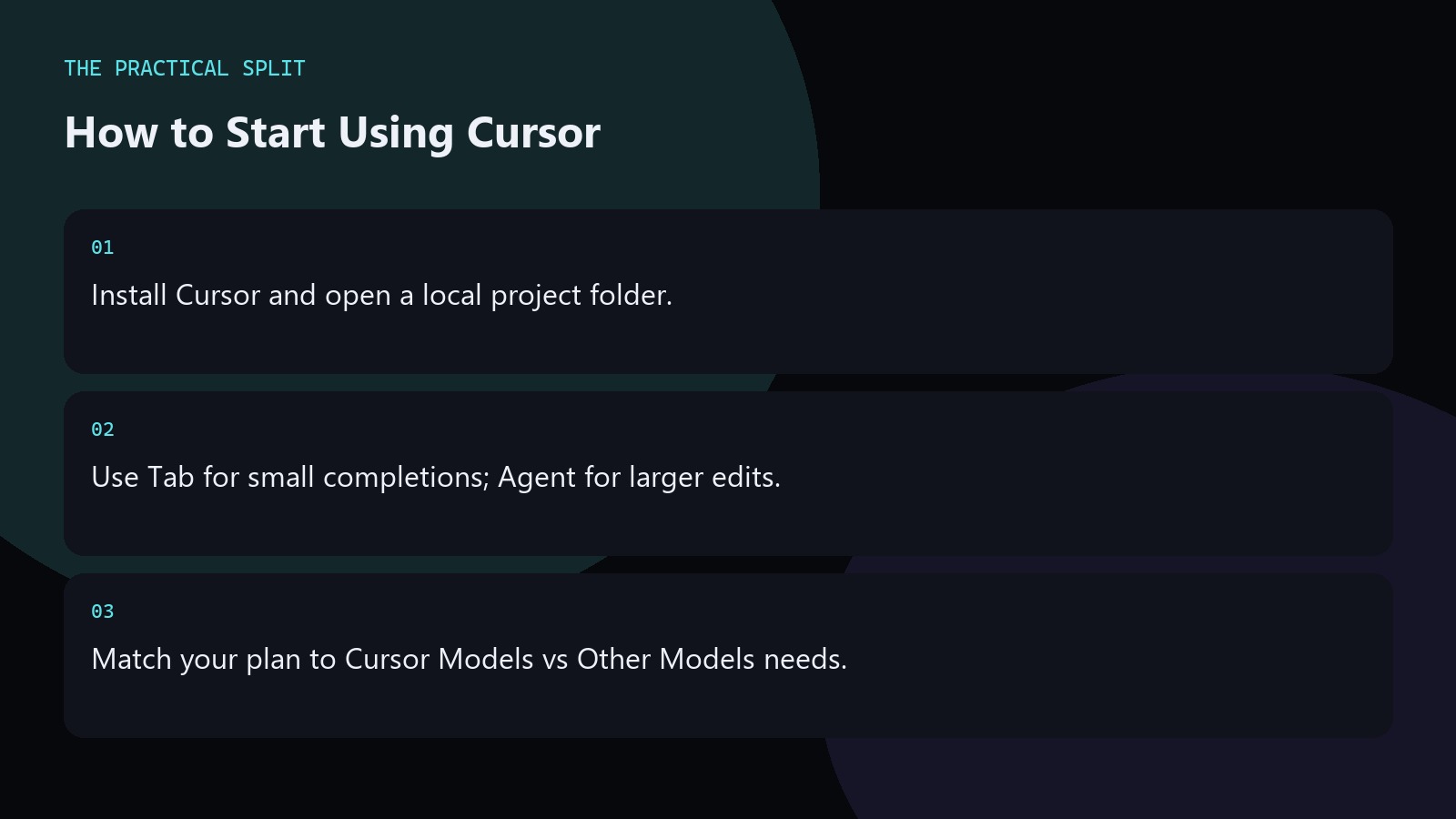
Install and open a repo
Download Cursor for your OS, install it, and sign in. Open Folder on a git checkout that already lives on disk. Your code does not need to be uploaded to start editing; you work against local files like VS Code.
Bring over essential extensions and formatters so AI edits still pass your linters. Set rules early if you have project conventions—naming, test layout, or WordPress structure. Start every Agent request with the files in scope and the test command you will run after the diff lands.
Tab, Agent, and Composer
Tab handles short completions while you type. Agent is for tasks that span files: refactors, bug hunts, and guided changes. Composer targets multi-file drafting with model help. Paid plans advertise unlimited Tab and extended agent limits; Hobby and Start have tighter ceilings you should verify live.
On Start in India, stay on Grok 4.6, Grok 4.5, or Composer 2.5 without Fast mode or effort changes. Switch to Pro if you need Claude or GPT inside Cursor. On Start, pick Grok or Composer 2.5 deliberately; switching models mid-task without a plan wastes limited turns.
Daily habits that pay off
- Review every agent diff before commit.
- Keep prompts scoped to one concrete outcome.
- Recheck plan limits when usage spikes.
End the day by skimming git status so leftover agent scratch files never hitch a ride into your next commit. Start every Agent request with the files in scope and the test command you will run after the diff lands. On Start, pick Grok or Composer 2.5 deliberately; switching models mid-task without a plan wastes limited turns. Write the intended model pool and plan name into your notes before the session so you do not discover a Start exclusion mid-task. Keep git status clean before agent runs, and recheck Cursor pricing when your seat or model needs change.
Related on this site
Frequently asked questions
-
Do I need to learn a new editor from scratch?
Mostly no. Cursor forks VS Code, so folders, terminals, and git feel familiar. The new parts are Tab, Agent, Composer, rules, and model pools. Spend a day on those features after a normal install. Practice on a branch first so a bad Agent run never blocks your main delivery line.
-
Which plan should beginners pick?
Try Hobby first if it is available on your account. India developers who need Cursoru2019s own models can use Start at u20b9649/month tax inclusive. Move to Pro when you need Other Models or higher agent limits. Practice on a branch first so a bad Agent run never blocks your main delivery line.
-
Where do my files live?
On disk in your project directory. Cursor edits local files. Use git the way you already do, and treat AI output as untrusted until you review it. Practice on a branch first so a bad Agent run never blocks your main delivery line.
-
How do I avoid burning model quota?
Prefer Tab for tiny edits, keep Agent prompts narrow, and stay on Startu2019s Cursor Models if that is enough. Upgrade only when Other Models or Fast mode are required for the task. Practice on a branch first so a bad Agent run never blocks your main delivery line.
Sources
Bdeb Technology builds websites, WordPress systems, and tools on top of models like these. A written quote comes back within 24 hours.