
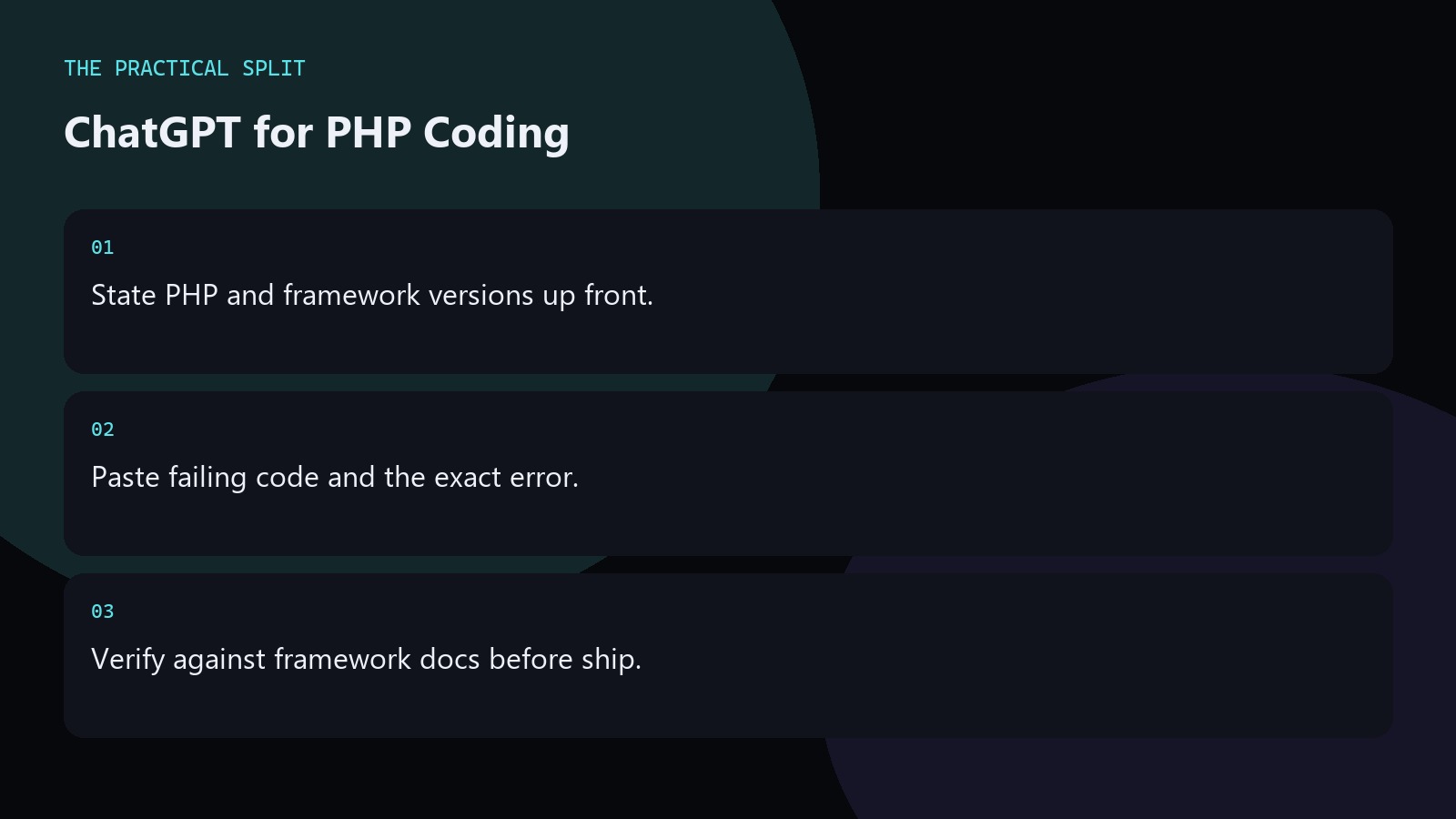
Use ChatGPT for PHP by stating the PHP version, framework, and the failing code with its error. Ask for a minimal patch that matches your existing APIs. ChatGPT will not open your composer packages unless you paste signatures or attach files. Verify answers against your framework docs. For WordPress or plugin work that spans many files, move apply steps into an editor assistant after you lock the approach. Keep the workflow practical for ChatGPT for PHP Development: paste evidence, ask for a minimal patch, and verify with tests. ChatGPT only knows what you provide unless a coding tool is connected. An editor assistant can read the workspace for multi-file edits.
PHP prompts that avoid version traps
Name PHP 8.x accurately. Paste composer package versions when the bug touches a library. Ask ChatGPT not to use features newer than your runtime. Include whether you use Laravel, Symfony, WordPress, or plain PHP. Request typed fixes that match your existing style. Reject answers that invent helpers from another ecosystem. Keep the advice concrete for ChatGPT for PHP Development. State constraints, verify locally, and reject invented APIs. Prefer minimal patches you can review. Move multi-file work to an editor assistant that can read the workspace when paste fatigue starts.
- Runtime and packages named.
- No newer syntax than you run.
- Framework stated clearly.
Framework and WordPress specifics
For Laravel or Symfony, paste the relevant controller or service and route definition when routing is involved. For WordPress, paste hooks and the admin or front error. Ask for capability and escaping reminders on form handlers. Keep staging deploys mandatory. ChatGPT is a draft engine; your plugin header and coding standards still rule. Keep the advice concrete for ChatGPT for PHP Development. State constraints, verify locally, and reject invented APIs. Prefer minimal patches you can review. Move multi-file work to an editor assistant that can read the workspace when paste fatigue starts.
When refactors cross many plugin files, use Cursor or similar after the PHP plan is clear in chat.
Debugging and packaging issues
Paste composer errors in full. Include autoload symptoms and the class that failed to load. For type errors, paste the signatures involved. Ask which layer owns the fix. Do not let the model paper over type issues with mixed everything. Prefer small patches and tests with PHPUnit when you already have that suite. Keep the advice concrete for ChatGPT for PHP Development. State constraints, verify locally, and reject invented APIs. Prefer minimal patches you can review. Move multi-file work to an editor assistant that can read the workspace when paste fatigue starts.
- Full composer error text.
- Signatures for type failures.
- Prefer small typed patches.
Related on this site
Frequently asked questions
-
Can ChatGPT run my PHPUnit suite?
Not in plain chat. You run PHPUnit locally and paste failures back. Some editor tools can run commands in a project; review permissions before enabling them. Keep the answer grounded in what you paste and what you can verify for ChatGPT for PHP Development. Check official pricing or docs when plans matter. Use an editor assistant when the workspace must be read. Review every generated change before you merge it.
-
How do I stop wrong Laravel advice?
State the Laravel version and paste the real classes. Reject facades or methods you do not have. Check official Laravel docs when the answer looks unfamiliar. Keep the answer grounded in what you paste and what you can verify for ChatGPT for PHP Development. Check official pricing or docs when plans matter. Use an editor assistant when the workspace must be read. Review every generated change before you merge it.
-
Is ChatGPT enough for plugin work?
For paste-sized PHP and hook questions, yes. For multi-file plugin refactors, use an editor assistant with workspace context after you agree on the plan. Keep the answer grounded in what you paste and what you can verify for ChatGPT for PHP Development. Check official pricing or docs when plans matter. Use an editor assistant when the workspace must be read. Review every generated change before you merge it.
-
What versions must I mention?
PHP version, framework or WordPress version, and key package versions tied to the bug. Version silence is a common reason AI answers miss your runtime. Keep the answer grounded in what you paste and what you can verify for ChatGPT for PHP Development. Check official pricing or docs when plans matter. Use an editor assistant when the workspace must be read. Review every generated change before you merge it.
Sources
Bdeb Technology builds websites, WordPress systems, and tools on top of models like these. A written quote comes back within 24 hours.