
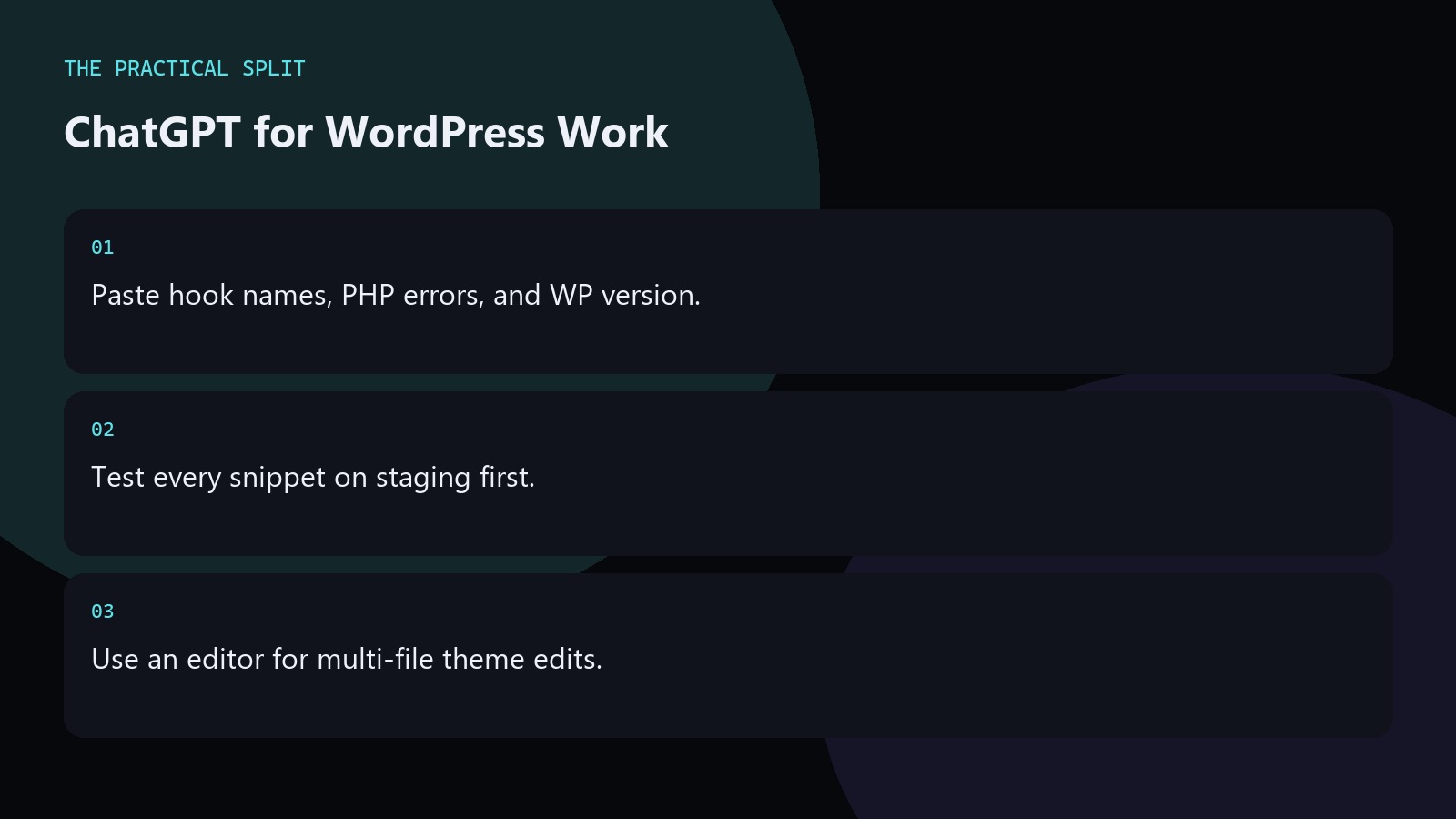
Use ChatGPT for WordPress when you need help with hooks, PHP snippets, query mistakes, or admin errors you can paste. It will not open your theme folder unless you attach files or use a connected coding tool. For plugin refactors across many files, switch to an editor assistant that can read the workspace. Ask for WordPress-version-aware PHP and always test on a staging site before production. Keep the workflow practical for ChatGPT for WordPress Development: paste evidence, ask for a minimal patch, and verify with tests. ChatGPT only knows what you provide unless a coding tool is connected. An editor assistant can read the workspace for multi-file edits. Separate chat
Strong WordPress prompts
State the WordPress version, PHP version, and whether you are in a theme, plugin, or block. Paste the failing function and the exact admin or front-end error. Name the hooks you already use. Ask for a minimal snippet that matches those hooks instead of a full plugin scaffold. ChatGPT is useful for remembering hook order and for rewriting a messy query when you paste the current SQL or WP_Query args.
- WP and PHP versions in the prompt.
- Failing snippet plus error text.
- Ask for minimal hook-aligned code.
Security and update hygiene
Never paste production database passwords or customer data into chat. Sanitize and escape reminders matter in WordPress work: ask ChatGPT to call out missing nonce checks, capability checks, and escaping when you paste form handlers. Treat answers as drafts. Run them through your normal review. Prefer official WordPress and PHP docs when the model cites APIs you do not recognize.
For larger plugin rewrites, move into Cursor or another editor after you lock the approach in ChatGPT so paths and namespaces stay consistent.
PHP and template pitfalls
Classic pitfalls include wrong hook priority, loading scripts on every page, and mixing business logic into templates. Ask ChatGPT to separate concerns when you paste a bloated template. Provide the related functions.php or plugin bootstrap if the error crosses files. If the model invents a Core function, search WordPress developer references before shipping. Keep a staging clone for every AI-assisted change. Keep the advice concrete for ChatGPT for WordPress Development. State constraints, verify locally, and reject invented APIs. Prefer minimal patches you can review. Move multi-file work to an editor assistant that can read the workspace when paste fatigue starts.
- Reject invented Core APIs.
- Separate template and business logic.
- Stage before production deploy.
Related on this site
Frequently asked questions
-
Can ChatGPT edit my theme on the server?
No. ChatGPT suggests code from what you paste or attach. You apply changes through your editor, Git, or hosting workflow. An editor assistant can help apply patches when it can read the local project. Keep the answer grounded in what you paste and what you can verify for ChatGPT for WordPress Development. Check official pricing or docs when plans matter. Use an editor assistant when the workspace must be read.
-
Is ChatGPT safe for plugin code?
It can draft helpers, but you must review for capability checks, nonces, and escaping. Do not paste secrets. Test on staging. Treat every snippet as untrusted until reviewed. Keep the answer grounded in what you paste and what you can verify for ChatGPT for WordPress Development. Check official pricing or docs when plans matter. Use an editor assistant when the workspace must be read. Review every generated change before you
-
Should I use ChatGPT or Cursor for WordPress?
Use ChatGPT for paste-sized hook and PHP questions. Use Cursor when the change spans multiple theme or plugin files and you need workspace context for consistent edits. Keep the answer grounded in what you paste and what you can verify for ChatGPT for WordPress Development. Check official pricing or docs when plans matter. Use an editor assistant when the workspace must be read. Review every generated change before you merge
-
What versions should I mention?
Mention WordPress, PHP, and major plugin versions that affect the bug. Version mismatch is a common reason AI answers call outdated functions or parameters. Keep the answer grounded in what you paste and what you can verify for ChatGPT for WordPress Development. Check official pricing or docs when plans matter. Use an editor assistant when the workspace must be read. Review every generated change before you merge it.
Sources
Bdeb Technology builds websites, WordPress systems, and tools on top of models like these. A written quote comes back within 24 hours.