

ChatGPT’s main coding limit is context: it only knows what you paste, attach, or connect. It does not browse your repository on its own. It can invent plausible APIs. It does not replace your compiler or test suite. Plan prompts and tool choice around those facts. When the task needs the whole workspace, move to an editor assistant. When the task is a single failing function, chat is often enough.
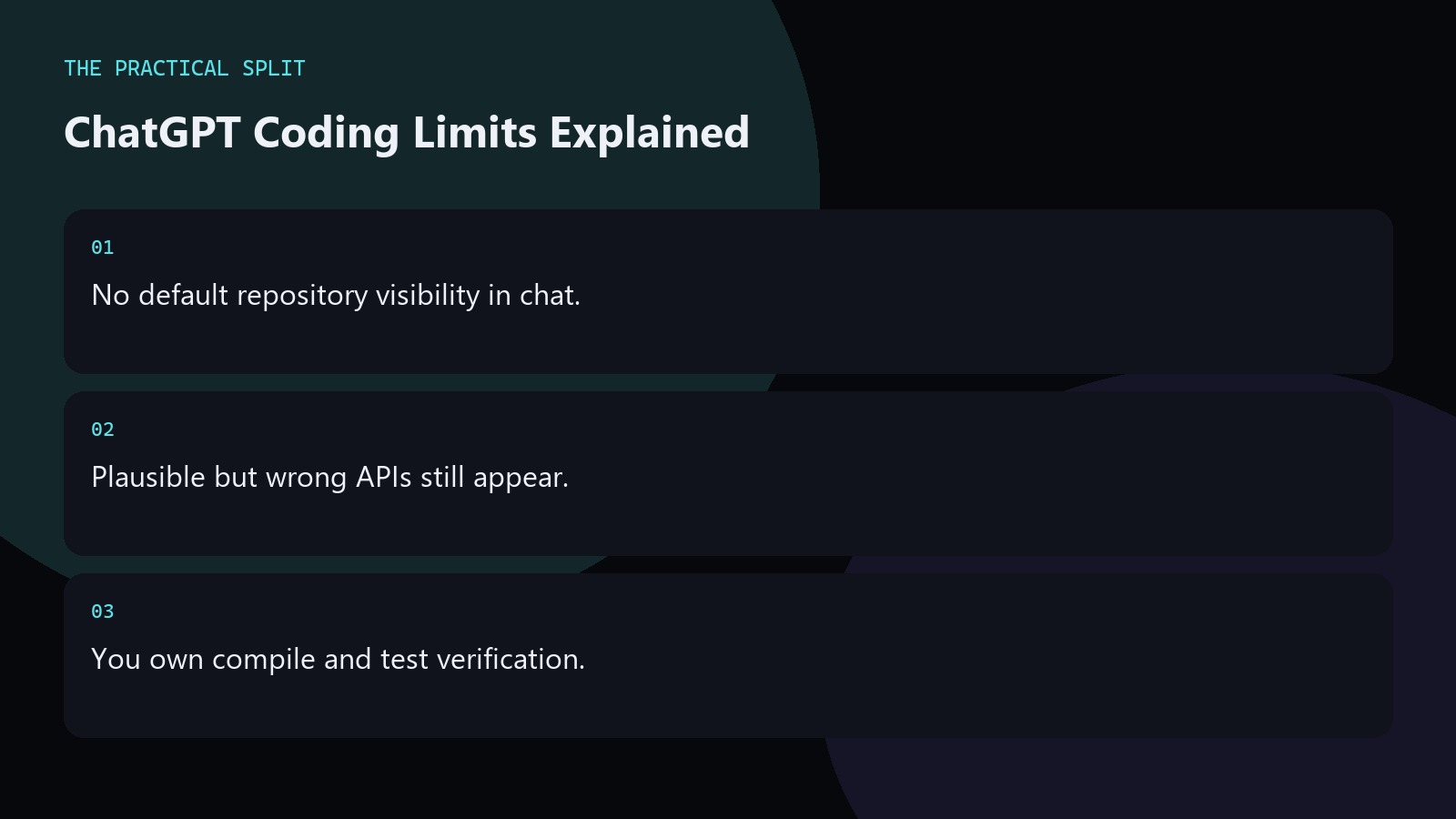
Visibility and context limits
Without attachments or a connected coding tool, ChatGPT cannot open sibling files you forgot to paste. Large pastes can also push earlier constraints out of the useful window. Keep the failing path, types, and error together. Drop unrelated modules. If you need the whole tree, use Cursor or a similar assistant. That is a product difference, not a prompting failure. Keep the advice concrete for ChatGPT Coding Limits You Should Know. State constraints, verify locally, and reject invented APIs. Prefer minimal patches you can review. Move multi-file work to an editor assistant that can read the workspace when paste fatigue starts.
- Paste only what changes the answer.
- Reconnect constraints after long threads.
- Use an editor for full-tree work.
Correctness and tool limits
ChatGPT can produce code that looks right and fails on your types. It may skip edge cases you did not state. It cannot see flaky CI unless you paste logs. Ask it to list assumptions. Ask it not to add dependencies. Run the patch. For pricing and plan caps on ChatGPT itself, check OpenAI’s site because usage limits and model names change over time.
Editor tools add their own rate and model limits. Read Cursor’s models and pricing docs when your bottleneck is the editor, not chat.
Workflow limits and how to work around them
Do not use ChatGPT as the only review on security-sensitive code. Do not let a long chat replace a ticket with acceptance criteria. Do not keep regenerating when the model lacks a stack trace. Stop and gather evidence. Hand a clear plan to an editor agent when edits must land across many paths. Keep human review on every diff that touches production. Keep the advice concrete for ChatGPT Coding Limits You Should Know. State constraints, verify locally, and reject invented APIs. Prefer minimal patches you can review. Move multi-file work to an editor assistant that can read the workspace when paste fatigue starts.
- Evidence before more regeneration.
- Human review on production diffs.
- Separate plan chat from apply step.
Related on this site
Frequently asked questions
-
Why does ChatGPT invent functions?
It predicts likely code from patterns in training and your prompt. If your paste omits real signatures, it fills gaps. Paste real APIs and forbid new dependencies to reduce invented helpers. Keep the answer grounded in what you paste and what you can verify for ChatGPT Coding Limits You Should Know. Check official pricing or docs when plans matter. Use an editor assistant when the workspace must be read. Review
-
Can Plus remove coding limits?
Plus may change model access and usage in ChatGPT, but it does not grant default repository sight. Check OpenAI pricing for plan details. Workspace reading still needs paste, attachments, or an editor tool. Keep the answer grounded in what you paste and what you can verify for ChatGPT Coding Limits You Should Know. Check official pricing or docs when plans matter. Use an editor assistant when the workspace must be
-
What limit hits first on big refactors?
Usually missing file context and paste fatigue. Move the apply step into an editor assistant that can read the workspace once your ChatGPT plan is clear. Keep the answer grounded in what you paste and what you can verify for ChatGPT Coding Limits You Should Know. Check official pricing or docs when plans matter. Use an editor assistant when the workspace must be read. Review every generated change before you
-
How do I verify AI code quickly?
Run the smallest test that failed before. Check types or lints. Diff against main. Reject any new dependency you did not request. That loop catches most chat mistakes early. Keep the answer grounded in what you paste and what you can verify for ChatGPT Coding Limits You Should Know. Check official pricing or docs when plans matter. Use an editor assistant when the workspace must be read. Review every generated
Sources
Bdeb Technology builds websites, WordPress systems, and tools on top of models like these. A written quote comes back within 24 hours.