

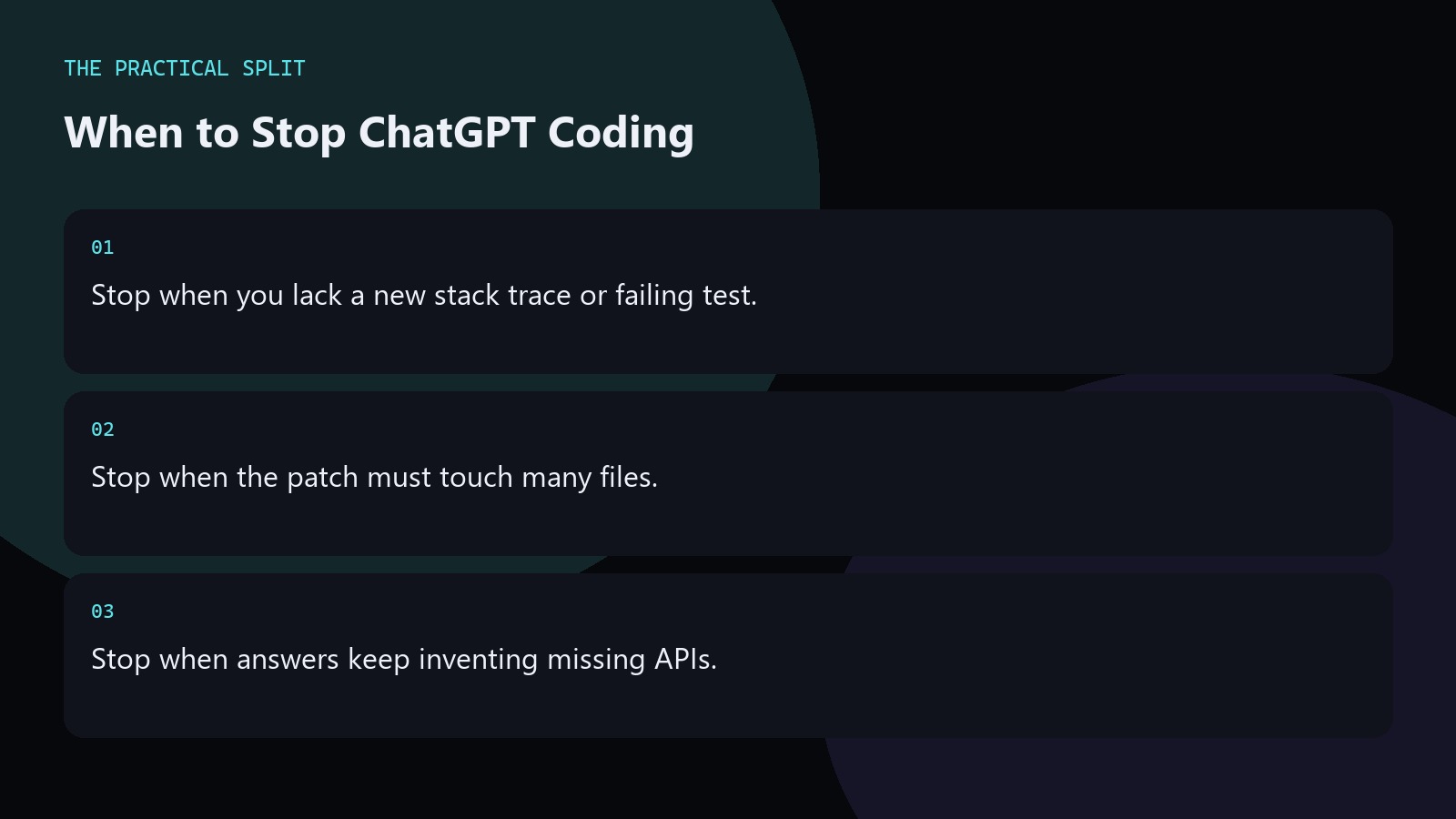
Stop using ChatGPT for a coding task when you are regenerating without new evidence, when the fix spans many files, or when every answer invents APIs. ChatGPT only sees what you paste or attach. More chat will not invent a stack trace you never provided. Switch to gathering logs, reading the code yourself, or using an editor assistant that can read the workspace. Stopping is a skill, not a failure.
Signals that chat is spinning
You have asked three times with the same paste and still get different wrong patches. The model asks for files you refuse to provide. Each answer adds a new dependency. Those are stop signs. Pause the thread. Collect the real error, the real signatures, and the real expected output. Come back once with a tighter prompt, or move the work into the editor.
- Same paste, third wrong answer.
- New dependencies you did not ask for.
- Missing files the model keeps needing.
Hand off to an editor assistant
When the diagnosis is clear but the apply step is large, paste the plan into Cursor or a similar tool. Let it read the workspace and propose diffs. You still review. ChatGPT remains useful for naming and design forks later. The stop is about the apply phase, not about never chatting again. Keep Plus and Cursor billing separate when you evaluate cost. Keep the advice concrete for When to Stop Using ChatGPT for Code. State constraints, verify locally, and reject invented APIs. Prefer minimal patches you can review. Move multi-file work to an editor assistant that can read the
If security or privacy rules forbid pasting the code, stop immediately and use approved internal tools only.
Stop rules for reviews and production
Do not ship ChatGPT output that never ran locally. Do not use chat as the only reviewer for auth, payments, or personal data handling. Do not keep a secret production incident thread going if logs are incomplete. Write down what you know, page a human, and instrument the failure. AI chat helps after you have evidence, not as a substitute for it. Keep the advice concrete for When to Stop Using ChatGPT for Code. State constraints, verify locally, and reject invented APIs. Prefer minimal patches you can review. Move multi-file work to an editor assistant that can read the
- No ship without a local run.
- No solo AI review on sensitive paths.
- Evidence first in incidents.
Related on this site
Frequently asked questions
-
How many retries are too many?
If three attempts with the same evidence fail, stop regenerating. Gather a better paste or move to an editor. More creative wording rarely fixes a missing stack trace. Keep the answer grounded in what you paste and what you can verify for When to Stop Using ChatGPT for Code. Check official pricing or docs when plans matter. Use an editor assistant when the workspace must be read. Review every generated
-
Should I delete the chat and start over?
Start a new thread when the old one is full of rejected wrong patches that confuse follow-ups. Carry forward only the facts: error, code, constraints, and what you already ruled out. Keep the answer grounded in what you paste and what you can verify for When to Stop Using ChatGPT for Code. Check official pricing or docs when plans matter. Use an editor assistant when the workspace must be read.
-
Is stopping a sign ChatGPT is useless?
No. Stopping means the task exceeded chat context or evidence. Many tasks still belong in ChatGPT. Match the tool to the phase: diagnose in chat, apply in the editor when needed. Keep the answer grounded in what you paste and what you can verify for When to Stop Using ChatGPT for Code. Check official pricing or docs when plans matter. Use an editor assistant when the workspace must be read.
-
What tool should I open next?
Open your editor assistant if multi-file edits are required. Open logs and tests if evidence is missing. Open a teammate if the change is high risk. Chat can wait until those are ready. Keep the answer grounded in what you paste and what you can verify for When to Stop Using ChatGPT for Code. Check official pricing or docs when plans matter. Use an editor assistant when the workspace must
Sources
Bdeb Technology builds websites, WordPress systems, and tools on top of models like these. A written quote comes back within 24 hours.