
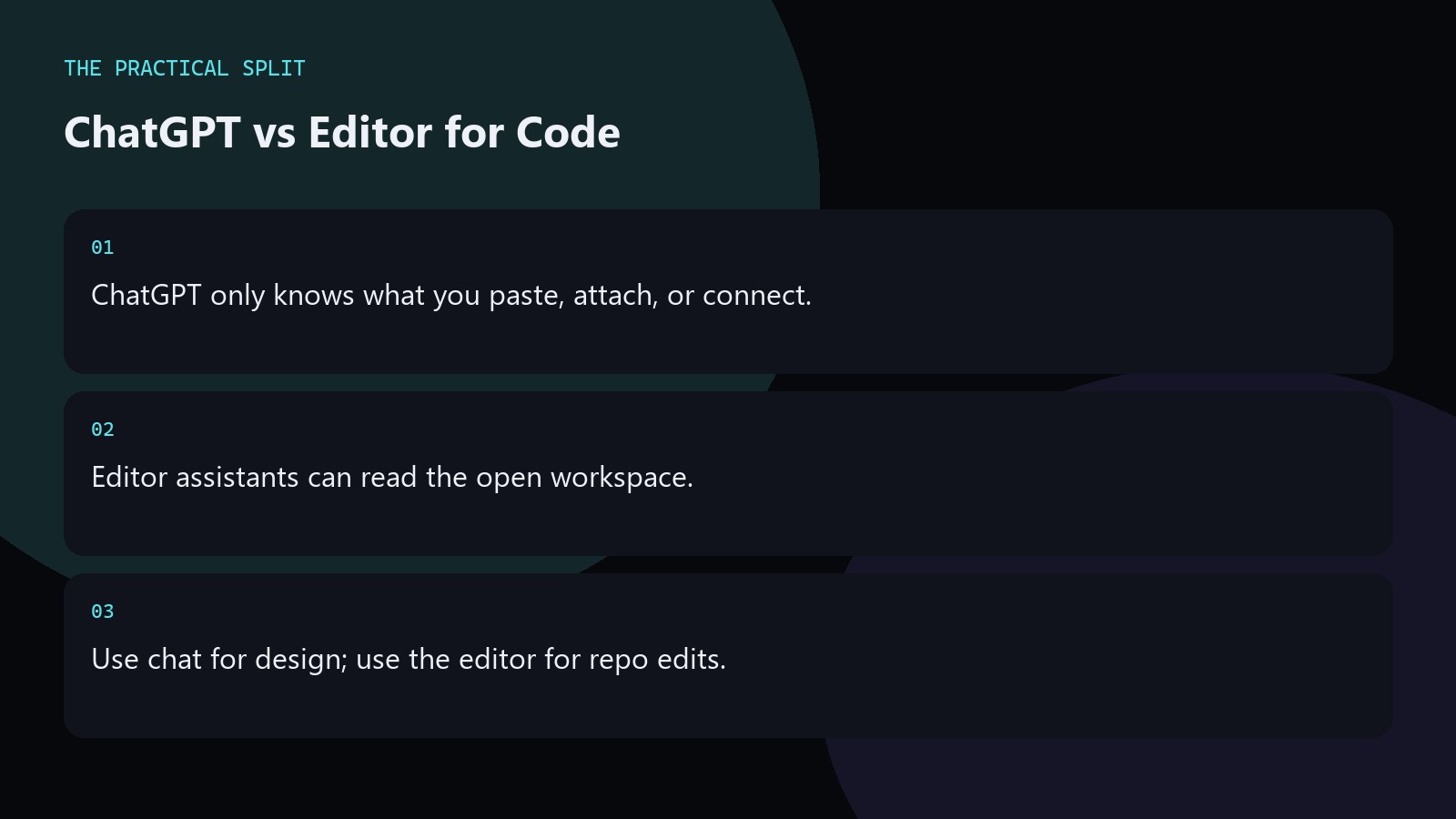
Use ChatGPT when you need a thinking partner outside the repo, and an editor assistant when the model must read your files. ChatGPT is a chat product. It does not see a repository unless you paste code, attach files, or connect a coding tool. Cursor, Copilot, and Claude Code can open the workspace and apply edits in place. That split drives when paste-and-chat is enough and when you should stay inside the editor.
What ChatGPT can and cannot see
ChatGPT starts each turn with the conversation, any attached files, and whatever you paste. It does not walk your disk or open sibling modules unless you bring them in. For a bug in one function, paste the function, the stack trace, and the failing input. For a design question, paste the interface and constraints. If the answer depends on five files, chat becomes busy work: you become the file picker. That is when an editor assistant that can read the workspace saves time.
- Paste the failing function and stack trace.
- Attach only files that change the answer.
- Skip chat when five modules matter.
When the editor assistant wins
An editor assistant can open the project tree, follow imports, and propose patches against real paths. That matters for refactors, rename cascades, and tests that must stay in sync with production code. You still review every diff. The gain is context: fewer missing imports, fewer invented APIs. Use ChatGPT for architecture sketches and API shapes. Switch to Cursor or a similar tool when you need edits across the open repo.
Keep ChatGPT open for research and Claude or Cursor docs for model limits when you compare plans. The paid chat plan and the editor subscription are different bills.
A practical handoff workflow
Start in ChatGPT with the problem statement and one failing example. Ask for a plan and a short checklist. Paste that plan into the editor assistant with the paths that matter. Let the editor apply changes file by file. Bring failing tests or compiler output back to chat only when the error is conceptual, not a missing import the editor already sees. This loop keeps chat for judgment and the editor for ground truth in the repo.
- Plan in chat, edit in the workspace.
- Return to chat for design forks only.
- Never skip reading the generated diff.
Related on this site
Frequently asked questions
-
Does ChatGPT read my Git repo by default?
No. ChatGPT is a chat product. It sees pasted text, attachments, and tools you connect. Without those, it has no view of your repository. Editor assistants such as Cursor can read the open workspace and propose file-level edits. Keep the answer grounded in what you paste and what you can verify for ChatGPT for Coding vs an Editor Assistant. Check official pricing or docs when plans matter. Use an editor
-
When should I stay in ChatGPT instead of Cursor?
Stay in chat for architecture, naming, and debugging one pasted snippet. Move to an editor when the fix spans multiple files, needs import awareness, or must land as a reviewable patch in the real project tree. Keep the answer grounded in what you paste and what you can verify for ChatGPT for Coding vs an Editor Assistant. Check official pricing or docs when plans matter. Use an editor assistant when
-
Are ChatGPT Plus and Cursor Pro the same purchase?
No. The paid chat plan and the editor subscription are different bills. Model pickers change over time, so check OpenAI’s pricing page and Cursor’s pricing docs before you buy either product. Keep the answer grounded in what you paste and what you can verify for ChatGPT for Coding vs an Editor Assistant. Check official pricing or docs when plans matter. Use an editor assistant when the workspace must be read.
-
Can I use both tools on one task?
Yes. Draft the approach in ChatGPT, then apply it with an editor assistant that can read the workspace. Keep the chat thread for decisions and the editor for concrete diffs you can review before commit. Keep the answer grounded in what you paste and what you can verify for ChatGPT for Coding vs an Editor Assistant. Check official pricing or docs when plans matter. Use an editor assistant when the
Sources
Bdeb Technology builds websites, WordPress systems, and tools on top of models like these. A written quote comes back within 24 hours.