
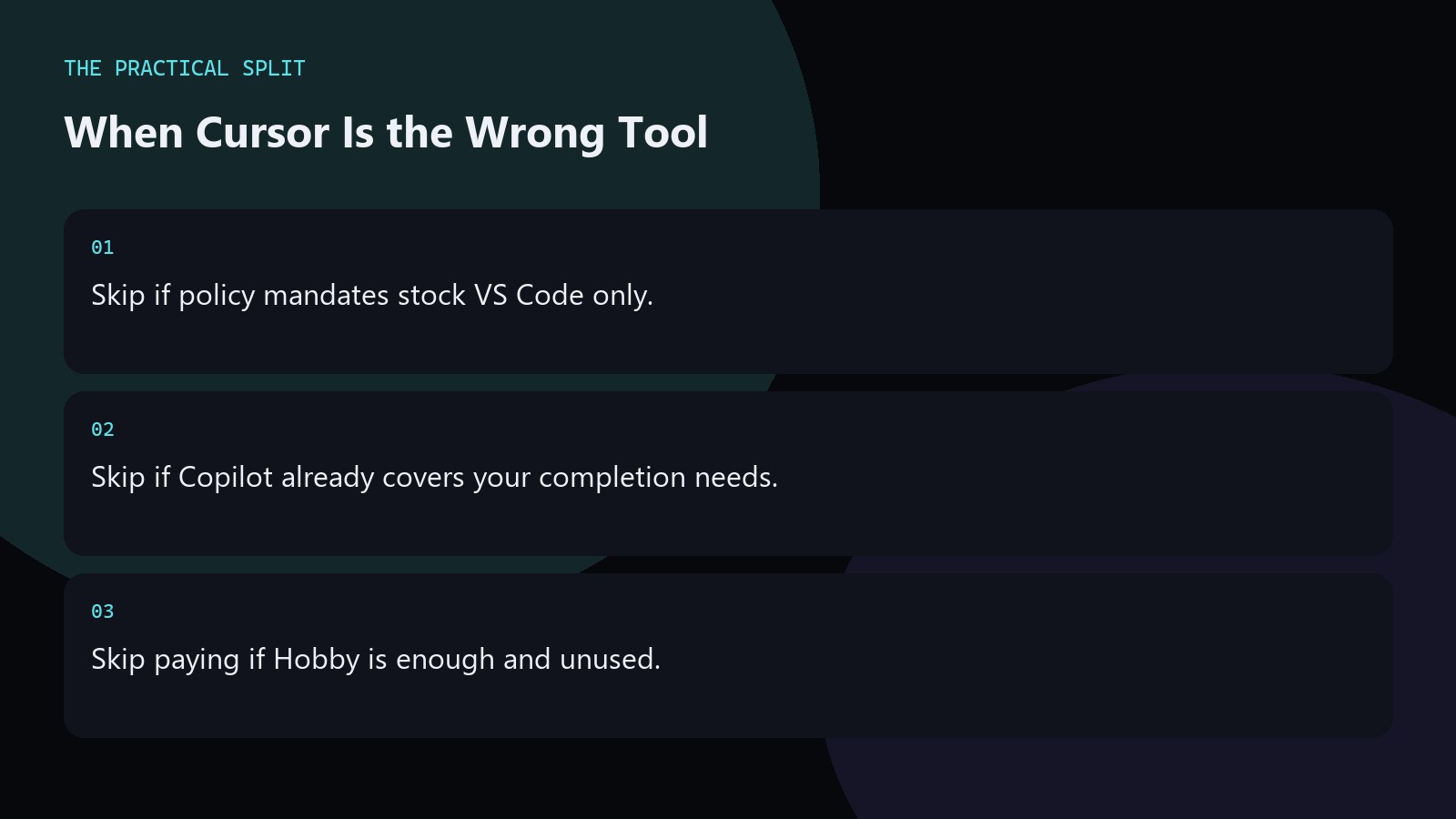
You should not use Cursor when your company forbids non-standard IDEs, when you only need light completions already covered by GitHub Copilot in VS Code, or when you cannot move past Hobby limits and also cannot pay for Start or Pro. Cursor is strong as an AI VS Code fork with agents, but it is still another app to install, bill, and secure. India Start at ₹649 helps only if Cursor Models meet the work. Otherwise stay put and recheck pricing later.
Organizational blockers
Security teams may allow VS Code + Copilot images but not a fork. Fighting that for marginal AI gains wastes time. Use the approved stack and revisit when policy changes.
Enterprises should also model Teams token rates before forcing Cursor Other Models org-wide. If security only certifies stock VS Code plus Copilot, stop lobbying for a fork and invest in review skills instead. If you will not read agent diffs, do not enable Agent features that can rewrite half the tree overnight.
Personal skip signals
If you open AI chat once a week, Hobby or Copilot is enough. If you refuse to review agent diffs, Cursor will create risk faster than speed. If you need Claude but will only pay for Start, you will be frustrated—choose Pro or a Claude-native tool instead.
Skipping is rational, not failure. If you will not read agent diffs, do not enable Agent features that can rewrite half the tree overnight. Revisit Cursor later when policy softens or when multi-file agents would clearly beat your current plugin setup.
What to use instead
- VS Code + Copilot for plugin-light AI.
- Claude-centric tools when the model is the mandate.
- Plain VS Code when AI is disallowed on the project.
Revisit Cursor later when policy softens or when multi-file agents would clearly beat your current plugin setup. If security only certifies stock VS Code plus Copilot, stop lobbying for a fork and invest in review skills instead. If you will not read agent diffs, do not enable Agent features that can rewrite half the tree overnight.
Related on this site
Frequently asked questions
-
Is Cursor unsafe compared to VS Code?
Cursor is a VS Code fork editing local files. Safety depends on how you review AI diffs, handle secrets, and follow vendor privacy termsu2014same discipline you need with Copilot. Revisit the decision when policy, budget, or multi-file workload actually changes.
-
Should beginners avoid Cursor?
Beginners can use Hobby to learn. Avoid paying Pro on day one. Avoid Cursor entirely if learning the language itself is the bottleneck and AI would hide fundamentals you need. Revisit the decision when policy, budget, or multi-file workload actually changes.
-
When should I come back to Cursor?
Return when multi-file agents would clearly save hours and either Start or Pro fits budget. Recheck models and prices at that time. Revisit the decision when policy, budget, or multi-file workload actually changes. Verify the live Cursor account meter before you promise capacity.
-
Does Grok 4.7 in Copilot remove the need for Cursor?
It may for Copilot-centric teams after the 21 September 2026 rollout. It does not erase Cursoru2019s IDE-native Agent/Composer workflows. Choose by daily editor preference. Revisit the decision when policy, budget, or multi-file workload actually changes. Verify the live Cursor account meter before you promise capacity.
Sources
Bdeb Technology builds websites, WordPress systems, and tools on top of models like these. A written quote comes back within 24 hours.