
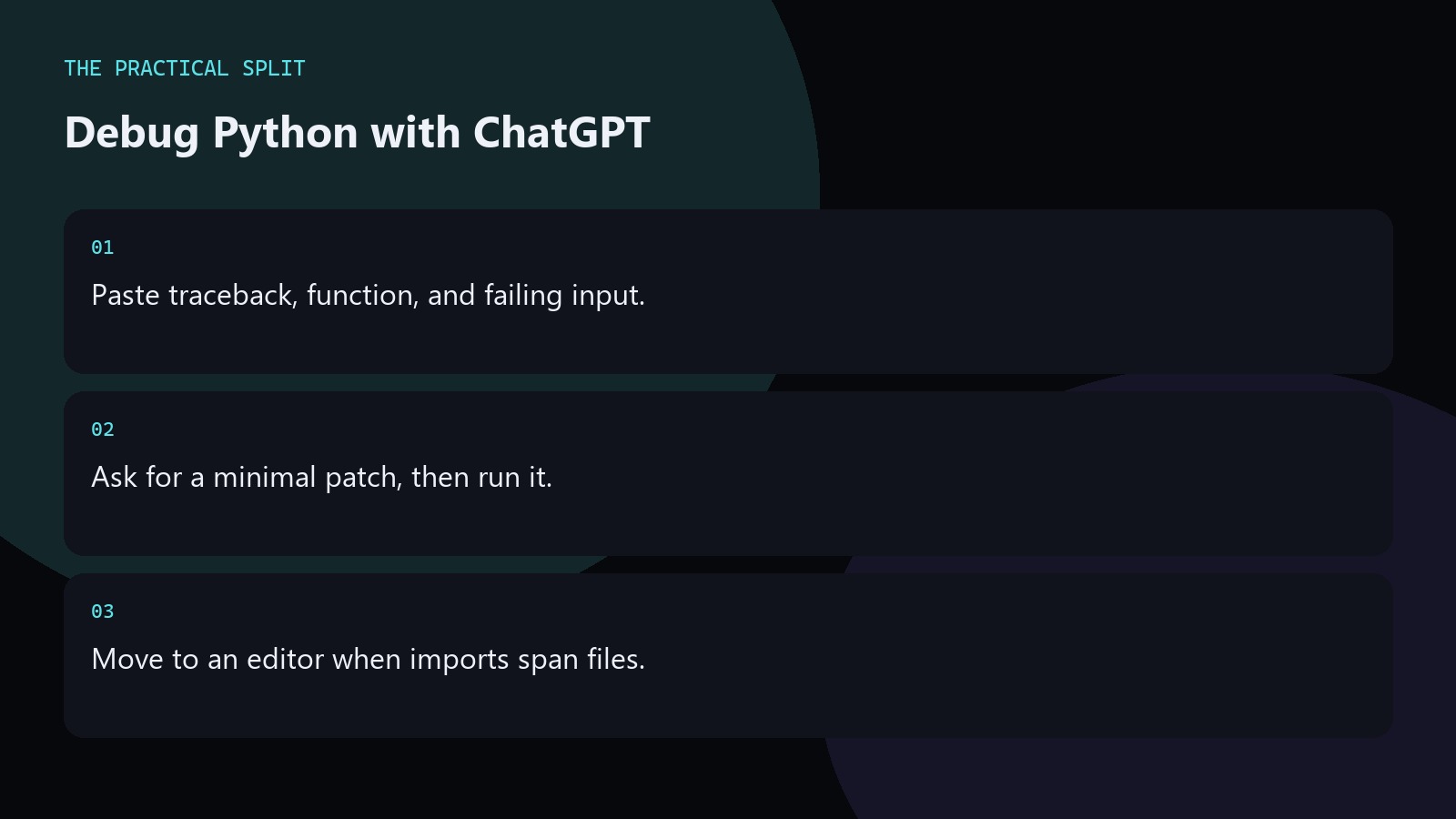
Debug Python in ChatGPT by pasting the full traceback, the failing function, and the input that triggers it. ChatGPT cannot open your project tree on its own. It works from what you give it. Ask for the root cause and a minimal patch. Run the test locally. If the bug spans several modules, switch to an editor assistant that can read the workspace after you have a clear hypothesis. Keep the workflow practical for ChatGPT for Python Debugging: paste evidence, ask for a minimal patch, and verify with tests. ChatGPT only knows what you provide unless a coding tool is connected. An editor assistant can read the workspace for multi-file
Build a paste that actually debugs
Copy the complete traceback, not the last line alone. Include the function body and the types of the arguments that failed. State the Python version if the error is version-sensitive. Ask ChatGPT which line is wrong and what invariant broke. Request a patch limited to that function unless the model can show a required caller change. This keeps answers small enough to review line by line.
- Full traceback, not a one-liner.
- Failing args and expected result.
- Python version when it matters.
Common Python failure modes
Type errors, None paths, mutable default arguments, and off-by-one loops show up constantly. Tell ChatGPT which of those you already ruled out. Paste related helpers only when the traceback points at them. For async code, include the event loop error and the coroutine that raised. For packaging issues, paste the import error and your project layout summary instead of guessing module names into the chat.
If the model invents a helper that does not exist in your tree, reject it and paste the real utility signatures.
When chat debugging stops scaling
When the fix needs changes in tests, fixtures, and three production modules, paste fatigue sets in. At that point open Cursor or another editor assistant and point it at the paths from your ChatGPT hypothesis. Keep the chat thread for the diagnosis. Let the editor apply the edits. Re-run pytest or your suite after each change. Bring only new failures back to ChatGPT.
- Chat for diagnosis, editor for multi-file.
- Re-run tests after every patch.
- Paste new failures, not the whole repo.
Related on this site
Frequently asked questions
-
What should I paste first for a Python bug?
The full traceback, the failing function, and the input that triggers it. Add the Python version when syntax or stdlib behavior differs. Ask for a minimal patch you can run in your existing test. Keep the answer grounded in what you paste and what you can verify for ChatGPT for Python Debugging. Check official pricing or docs when plans matter. Use an editor assistant when the workspace must be read.
-
Can ChatGPT run my pytest suite?
Not by itself in plain chat. You run the tests locally and paste failures back. Some connected coding tools can execute commands in a project; review those tools and their permissions before enabling them. Keep the answer grounded in what you paste and what you can verify for ChatGPT for Python Debugging. Check official pricing or docs when plans matter. Use an editor assistant when the workspace must be read.
-
How do I avoid wrong stdlib advice?
State the Python version and paste import lines. If the answer cites a module or function you do not recognize, check the docs before applying. Prefer patches that use APIs already in your file. Keep the answer grounded in what you paste and what you can verify for ChatGPT for Python Debugging. Check official pricing or docs when plans matter. Use an editor assistant when the workspace must be read.
-
When should I stop using chat for the bug?
Stop when the diagnosis is clear but the edit spans many files. Move to an editor assistant that can read the workspace, apply the plan, and keep imports consistent across the project. Keep the answer grounded in what you paste and what you can verify for ChatGPT for Python Debugging. Check official pricing or docs when plans matter. Use an editor assistant when the workspace must be read. Review every
Sources
Bdeb Technology builds websites, WordPress systems, and tools on top of models like these. A written quote comes back within 24 hours.