
Write ChatGPT prompts that state the goal, the constraints, the failing input, and the output format you will run next. Vague asks produce vague code. ChatGPT only works from what you paste or attach, so the prompt is your interface to the model. Keep language plain. Ask for a minimal patch and a short test plan. Then run the result yourself before you trust it in production. Keep the workflow practical for ChatGPT Prompts for Developers: paste evidence, ask for a minimal patch, and verify with tests. ChatGPT only knows what you provide unless a coding tool is connected. An editor assistant can read the workspace for multi-file edits. Separate
The four parts of a coding prompt
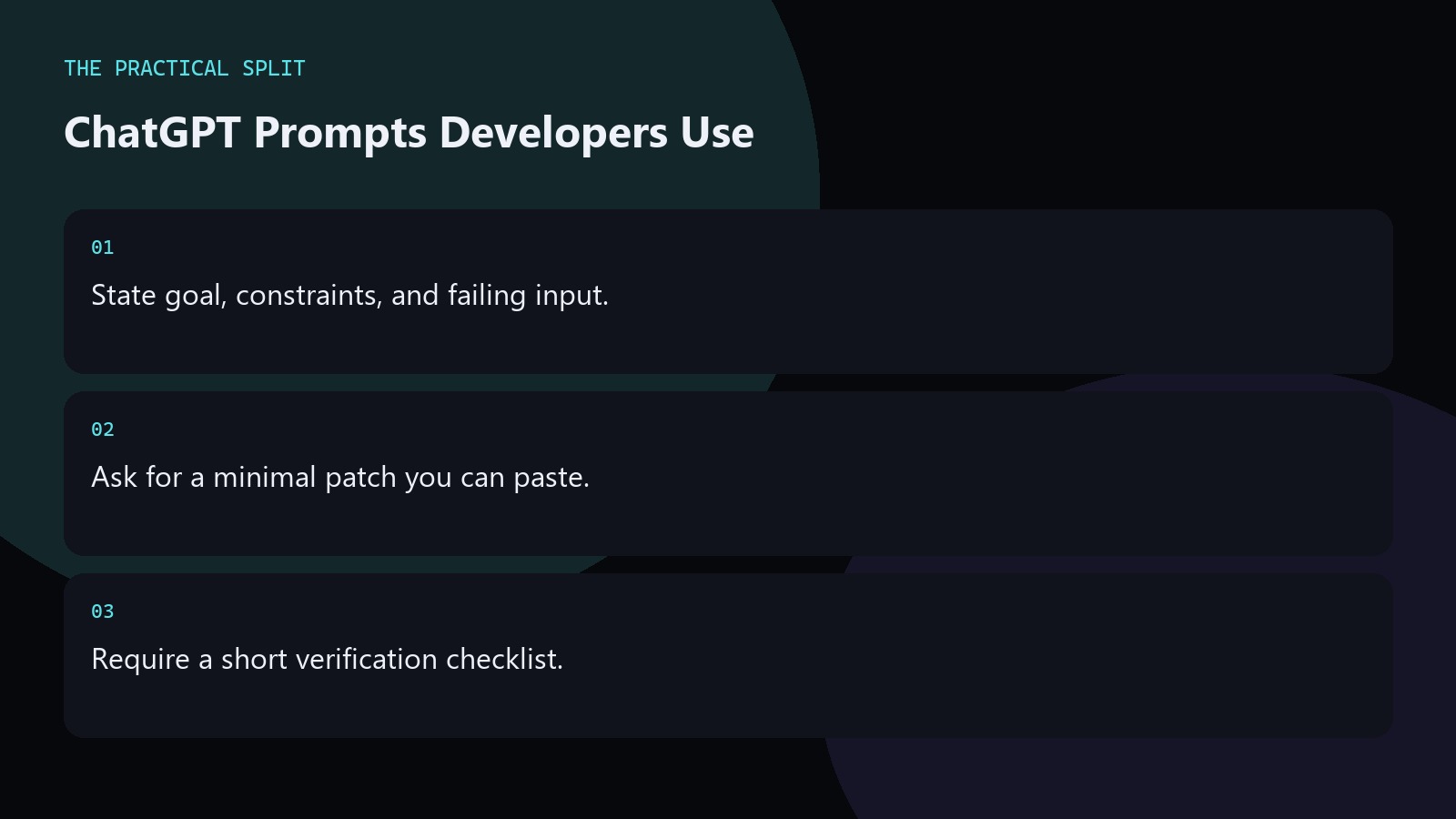
Open with the goal in one sentence. Add constraints: language version, frameworks you already use, and what you must not change. Paste the failing code and the exact error or wrong output. Close with the output format: unified diff, full function, or step list. That structure stops ChatGPT from rewriting your whole module when you only needed a guard clause. It also makes re-runs easier when the first answer misses a constraint.
- Goal in one sentence.
- Constraints and forbidden changes.
- Failing paste plus desired format.
Prompts for debug, review, and refactor
For debugging, paste the traceback and ask which line is wrong and why. For review, ask for defects ranked by severity with file-local fixes. For refactoring, ask for a smaller surface area and a list of callers to update. Avoid story framing. Avoid asking the model to invent libraries. If the task spans many files, move to an editor assistant that can read the workspace after you lock the plan in chat.
Keep prompts short enough to scan. Long lore in the system message rarely beats a clear failing example.
Prompt patterns that waste tokens
Do not ask ChatGPT to guess missing stack traces. Do not paste entire repositories when three functions matter. Do not request production-ready code without tests if you will not run any. Ask for assumptions listed first when inputs are incomplete. Ask the model to say what it still needs instead of fabricating APIs. Save strong prompts as snippets in your notes so your team shares the same structure.
- No full-repo dumps for one bug.
- No silent inventing of missing APIs.
- Reuse a shared prompt skeleton.
Related on this site
Frequently asked questions
-
What is the shortest useful coding prompt?
Goal, constraints, pasted failing code, and the output format. That four-part prompt usually beats a long essay. Add the language version when syntax differs across releases. Keep the answer grounded in what you paste and what you can verify for ChatGPT Prompts for Developers. Check official pricing or docs when plans matter. Use an editor assistant when the workspace must be read. Review every generated change before you merge it.
-
Should I ask for step-by-step reasoning?
Ask for a short explanation of the root cause and the patch. Long reasoning dumps are optional. Your verification is the compile and the test run, not the length of the chat reply. Keep the answer grounded in what you paste and what you can verify for ChatGPT Prompts for Developers. Check official pricing or docs when plans matter. Use an editor assistant when the workspace must be read. Review
-
How do I stop invented library calls?
List allowed packages. Tell the model not to introduce new dependencies. Paste your import block. Reject any answer that adds modules you did not approve. Keep the answer grounded in what you paste and what you can verify for ChatGPT Prompts for Developers. Check official pricing or docs when plans matter. Use an editor assistant when the workspace must be read. Review every generated change before you merge it.
-
Can prompts replace an editor assistant?
No. Prompts improve chat quality. Multi-file workspace edits still need an editor tool that can read the project. Use ChatGPT prompts for plans and small pastes, then apply in the editor. Keep the answer grounded in what you paste and what you can verify for ChatGPT Prompts for Developers. Check official pricing or docs when plans matter. Use an editor assistant when the workspace must be read. Review every generated
Sources
Bdeb Technology builds websites, WordPress systems, and tools on top of models like these. A written quote comes back within 24 hours.