
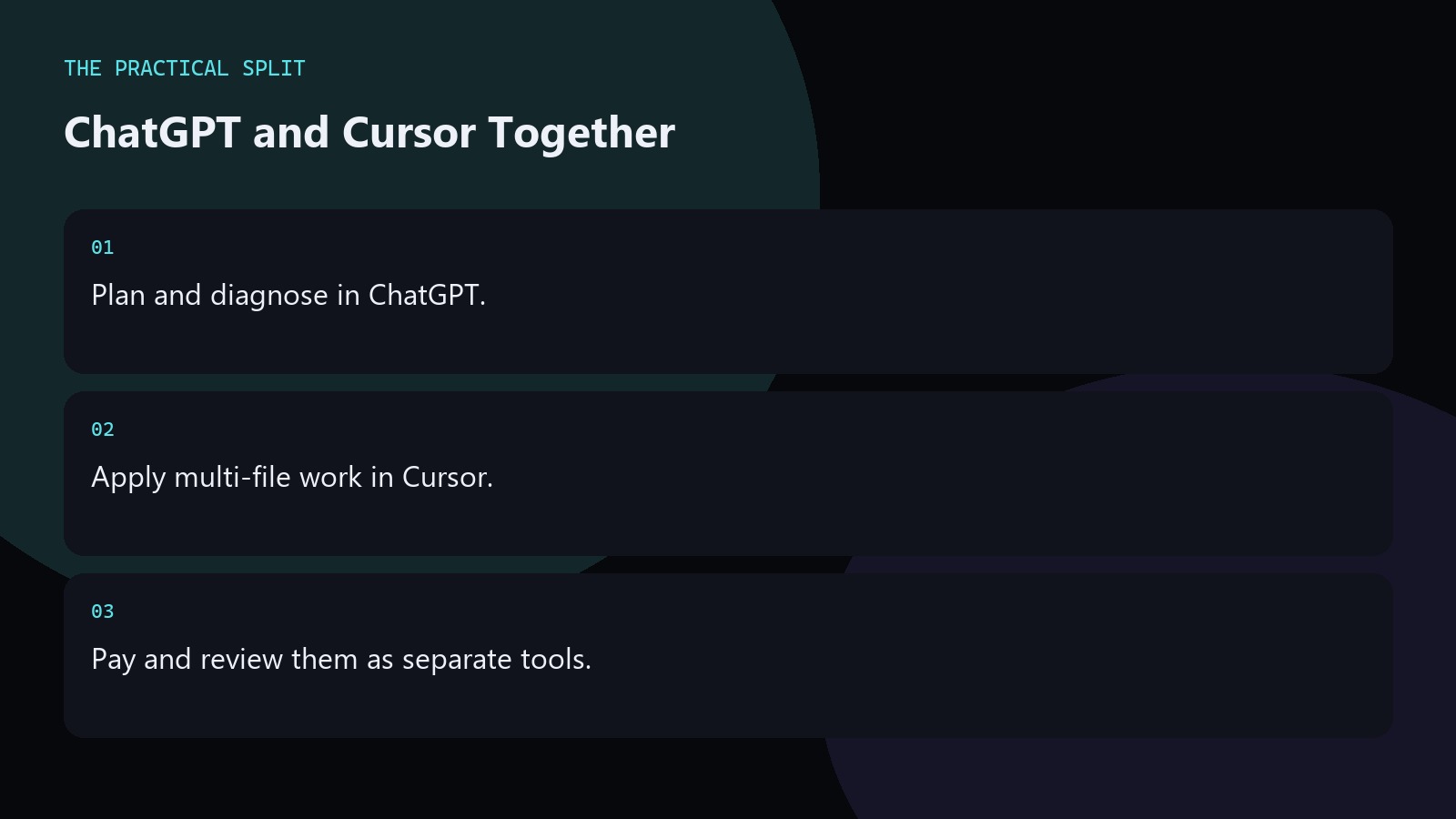
Use ChatGPT and Cursor together by planning in chat and applying in the editor. ChatGPT does not see your repository unless you paste, attach, or connect a tool. Cursor can read the workspace and edit files. They are different bills: check OpenAI pricing for chat, and remember Cursor Pro is $20/mo before tax with higher tiers above. Write a short acceptance list in ChatGPT, hand it to Cursor, run tests, and keep humans on the merge.
The plan-then-apply loop
Start in ChatGPT with the bug or feature brief, constraints, and failing evidence. Ask for a step plan and acceptance checks. Paste that plan into Cursor with the paths that matter. Let Cursor propose diffs. Run the suite. Return only new failures to ChatGPT. This loop prevents chat from becoming a paste farm and prevents the agent from wandering without a brief. Keep the advice concrete for Using ChatGPT and Cursor Together. State constraints, verify locally, and reject invented APIs. Prefer minimal patches you can review. Move multi-file work to an editor assistant that can read the workspace when paste fatigue starts.
- Brief and acceptance checks first.
- Cursor apply second.
- Failures return to chat.
Billing and model realities
The paid chat plan and the editor subscription are different bills, and the model picker changes, so check OpenAI’s pricing page before buying. Cursor Pro is $20/mo, Pro+ $60, Ultra $200 before tax. India Start is ₹649/mo tax inclusive and only includes Cursor’s own models, not Claude or GPT. Grok 4.7 is available in Cursor on every plan. Pick tiers based on models you need, not brand loyalty.
Read Cursor’s models and pricing docs when you change editor tiers mid-year.
Team norms that keep the combo sane
Agree where plans live: ticket, ChatGPT project, or PR description. Agree that Cursor diffs need the same review as human diffs. Ban secret pastes in both tools. Align Cursor rules with chat memory preferences so the two surfaces do not fight. Drop either subscription if your team stops opening it. The combo works when handoffs are short and verification is strict. Keep the advice concrete for Using ChatGPT and Cursor Together. State constraints, verify locally, and reject invented APIs. Prefer minimal patches you can review. Move multi-file work to an editor assistant that can read the workspace when paste fatigue starts.
- Same review bar for AI diffs.
- Aligned rules and memory.
- Cancel unused seats.
Related on this site
Frequently asked questions
-
Do I need both ChatGPT Plus and Cursor Pro?
Only if both remove weekly blockers. Some developers keep free ChatGPT with Cursor Pro, or Plus without Cursor. Buy for the bottleneck you hit, and verify live pricing pages before stacking plans. Keep the answer grounded in what you paste and what you can verify for Using ChatGPT and Cursor Together. Check official pricing or docs when plans matter. Use an editor assistant when the workspace must be read. Review
-
What should move from chat to Cursor?
The step plan, acceptance checks, and key file hints. Do not paste the entire chat history. Cursor needs a crisp brief and the workspace, not a novel. Keep the answer grounded in what you paste and what you can verify for Using ChatGPT and Cursor Together. Check official pricing or docs when plans matter. Use an editor assistant when the workspace must be read. Review every generated change before you
-
Can Cursor replace ChatGPT completely?
For some people yes, if they live in the editor. Others still want browser chat for research and RFCs. Keep whichever surfaces you actually open during real work weeks. Keep the answer grounded in what you paste and what you can verify for Using ChatGPT and Cursor Together. Check official pricing or docs when plans matter. Use an editor assistant when the workspace must be read. Review every generated change
-
How do I avoid conflicting guidance?
Align ChatGPT memory with Cursor rules. When they disagree, trust the repository standards and update both. Short shared conventions beat long conflicting essays. Keep the answer grounded in what you paste and what you can verify for Using ChatGPT and Cursor Together. Check official pricing or docs when plans matter. Use an editor assistant when the workspace must be read. Review every generated change before you merge it.
Sources
Bdeb Technology builds websites, WordPress systems, and tools on top of models like these. A written quote comes back within 24 hours.