
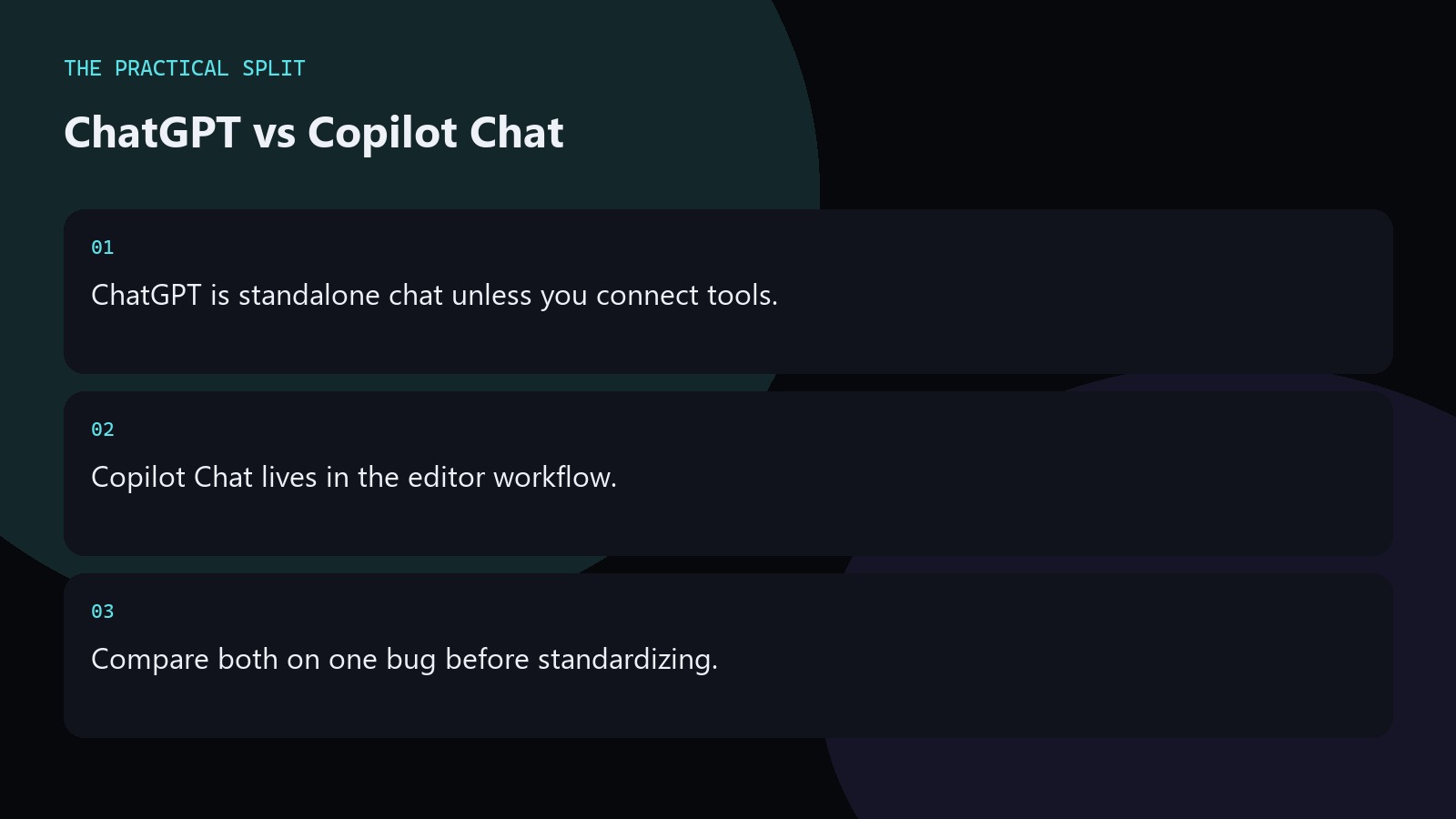
Pick ChatGPT when you want a standalone chat surface, and Copilot Chat when you want help beside the open files. ChatGPT does not see your repository unless you paste, attach, or connect a tool. Copilot Chat sits in an editor workflow that can use workspace context depending on product features you enable. They are different products and different bills. Compare them on the same bug with the same constraints. Keep the workflow practical for ChatGPT vs Copilot Chat for Coding: paste evidence, ask for a minimal patch, and verify with tests. ChatGPT only knows what you provide unless a coding tool is connected. An editor assistant can read the workspace
Context differences that change answers
In ChatGPT you curate the paste. In Copilot Chat the open file and project signals often feed the model, which reduces missing-import mistakes. That advantage disappears if you disable context or if the wrong files are open. For design talk away from the repo, ChatGPT is enough. For edits tied to local paths, Copilot Chat or Cursor-style tools usually waste less time. Keep the advice concrete for ChatGPT vs Copilot Chat for Coding. State constraints, verify locally, and reject invented APIs. Prefer minimal patches you can review. Move multi-file work to an editor assistant that can read the workspace when paste fatigue starts.
- ChatGPT: you curate context.
- Copilot Chat: editor context helps.
- Wrong open files still mislead.
Grok and model availability notes
Grok 4.7 is in a gradual GitHub Copilot rollout and is also available in Cursor on every plan, Grok Build, and the API. That means Copilot Chat’s model list can change as rollout proceeds. ChatGPT’s picker changes on OpenAI’s side. Check live product UI and docs instead of memorizing last month’s model names. For Cursor alternatives, read Cursor’s models and pricing documentation. Keep the advice concrete for ChatGPT vs Copilot Chat for Coding. State constraints, verify locally, and reject invented APIs. Prefer minimal patches you can review. Move multi-file work to an editor assistant that can read the workspace when paste fatigue starts.
Do not invent benchmark winners between Copilot Chat and ChatGPT. Run your own failing test.
A practical split for teams
Use ChatGPT for RFCs, API sketches, and debugging pastes from CI logs. Use Copilot Chat for in-file questions and small edits. Keep review standards identical: run tests, read diffs, block invented dependencies. If your team already standardized on Cursor, compare Copilot Chat only if you still maintain that IDE. Tool sprawl costs more than a small model quality gap. Keep the advice concrete for ChatGPT vs Copilot Chat for Coding. State constraints, verify locally, and reject invented APIs. Prefer minimal patches you can review. Move multi-file work to an editor assistant that can read the workspace when paste fatigue starts.
- ChatGPT for logs and RFCs.
- Copilot Chat for in-file asks.
- Same test bar for both.
Related on this site
Frequently asked questions
-
Is Copilot Chat the same as ChatGPT?
No. ChatGPT is OpenAI’s chat product. Copilot Chat is GitHub’s editor-oriented chat experience. They can use different models and billing. Compare them as separate tools. Keep the answer grounded in what you paste and what you can verify for ChatGPT vs Copilot Chat for Coding. Check official pricing or docs when plans matter. Use an editor assistant when the workspace must be read. Review every generated change before you merge
-
Which has better repo awareness?
Copilot Chat typically has an edge because it lives in the editor. ChatGPT needs paste, attachments, or connected tools. Always verify what context is actually included before trusting an answer. Keep the answer grounded in what you paste and what you can verify for ChatGPT vs Copilot Chat for Coding. Check official pricing or docs when plans matter. Use an editor assistant when the workspace must be read. Review every
-
Does Grok 4.7 appear in Copilot?
Grok 4.7 has a gradual GitHub Copilot rollout, and it is also available in Cursor on every plan, Grok Build, and the API. Check your Copilot UI for current availability in your account. Keep the answer grounded in what you paste and what you can verify for ChatGPT vs Copilot Chat for Coding. Check official pricing or docs when plans matter. Use an editor assistant when the workspace must be
-
Can I keep both?
Yes if both remove real friction. Many developers keep browser ChatGPT for research and an in-editor chat for file-local work. Drop whichever you stop opening for a month. Keep the answer grounded in what you paste and what you can verify for ChatGPT vs Copilot Chat for Coding. Check official pricing or docs when plans matter. Use an editor assistant when the workspace must be read. Review every generated change
Sources
Bdeb Technology builds websites, WordPress systems, and tools on top of models like these. A written quote comes back within 24 hours.