

If you run a salon in Behala, a sweet shop in Bowbazar, or a tutor classes in Salt Lake – you have probably been told a hundred times “you need a website”. Most of that advice is useless because it doesn’t tell you what to do tomorrow. This is the practical version.
Why bother going online in 2026?
- 80% of Kolkata residents now search Google before walking into a shop
- WhatsApp Business has 50M+ Indian SMEs already on it
- UPI made online payments faster than handing someone cash
- A simple website is now cheaper than one Zomato ad
Step 1: Claim your Google Business Profile (free, 30 minutes)
Before you spend a rupee on a website, do this:
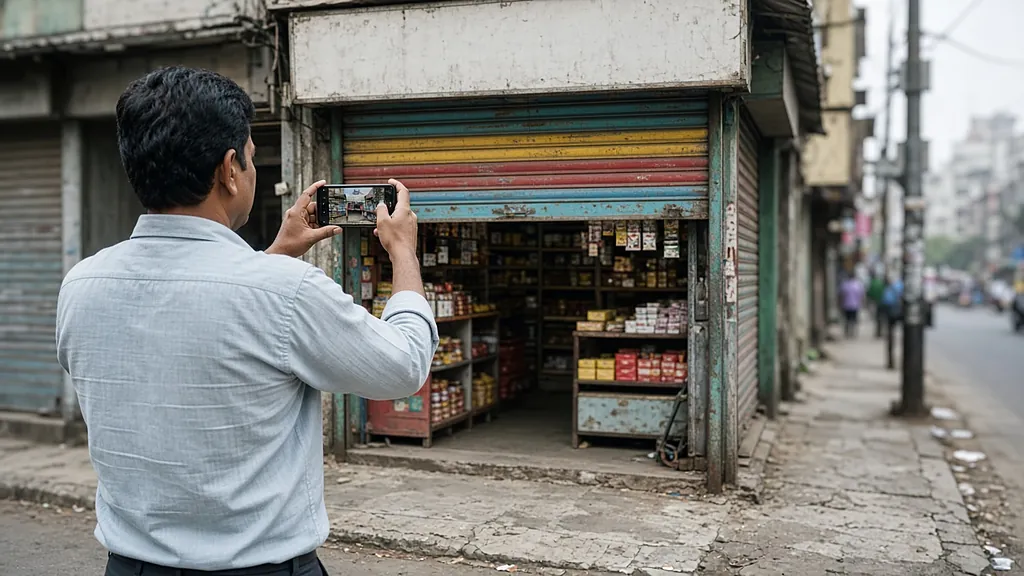
1. Open google.com/business on your phone 2. Search for your business name + locality – if it’s there, claim it; if not, “Add your business” 3. Verify by postcard (Google sends a code to your address in 1-2 weeks) or by video call (faster) 4. Fill in everything: hours, photos (10+), category, attributes, services, payment methods accepted 5. Set up “Posts” – share an offer or event once a week
Getting this right alone will bring you 5-15 walk-ins per month at zero cost.
Step 2: Buy a domain (Rs.500-800/year)
Use hostinger.in, bigrock.in or godaddy.com. Pick a .in (cheaper, India-specific) or .com (international, more expensive).
Naming rules:
- Short, easy to spell over the phone
- No hyphens if possible
- Avoid numbers
- If your business name is taken, add your locality:
parashermenswear.in,ranibakerybehala.in
Step 3: Get hosting (Rs.99-299/month)
For a small business site, the cheapest reliable options are:
- Hostinger Business – Rs.219/month (yearly billing), one-click WordPress, free SSL, free domain in year 1
- A2 Hosting India – similar price, slightly faster servers
- DigitalOcean / Hetzner if you have technical help (cheaper per month, no support)
You don’t need anything fancy at this stage.
Step 4: Install WordPress (1 hour)
WordPress runs ~43% of the web. It is free, well-documented, and any developer in India can work on it.
1. Log into your Hostinger panel -> “Auto Installer” -> WordPress -> install 2. Pick a theme: GeneratePress (free) or Astra (free) – both fast 3. Install plugins: Rank Math SEO, LiteSpeed Cache, Wordfence (security)
Step 5: Build 5 essential pages
For a local Kolkata business, you need exactly five pages:
1. Home – what you do, where you are, photos, contact button 2. Services / Menu / Products – the things you sell with prices 3. About – your story, photos of your team 4. Contact – address, phone, WhatsApp button, embedded Google Maps 5. Blog – one short post per month is enough
Total content: maybe 1500 words. You can write them in an afternoon.
Step 6: Add payment options
If you sell anything online:
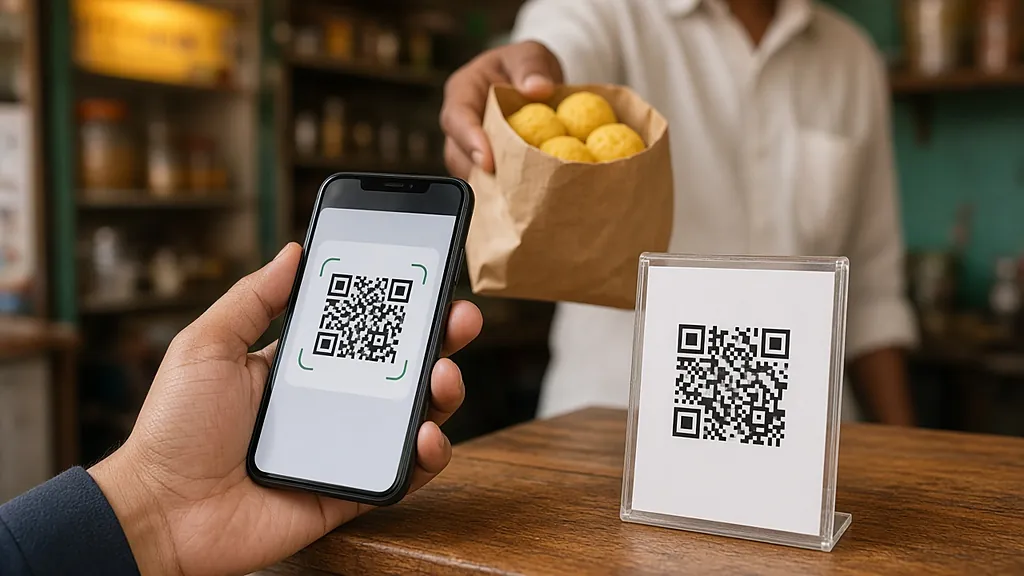
- Razorpay – works with all Indian banks, supports UPI/cards/EMI – 2% MDR
- PhonePe Business – simpler if you only need UPI
- WhatsApp Business catalog + UPI – for very small sellers, no website needed
Step 7: Connect everything
- Add the website link to your Google Business Profile
- Add the website link to your Instagram bio
- Print the website QR code on your visiting cards and shop signage
- WhatsApp Business: set the website as your “About” link
Real costs for a Kolkata small business in 2026
| Item | Year 1 | Year 2 onwards |
|---|---|---|
| Domain (.in) | Rs.499 | Rs.799 |
| Hostinger Business | Rs.2,628 (Rs.219 x 12) | Rs.3,468 |
| Razorpay | 2% per transaction | 2% per transaction |
| WhatsApp Business | Free | Free |
| Google Business Profile | Free | Free |
| Theme + plugins | Free | Free |
| DIY total | Rs.3,127 | Rs.4,267 |
If you don’t have time to do it yourself, Bdeb Technology does the whole setup for Rs.6,999 including hosting for the first year – launched in under a week, with a 1-hour walkthrough so you can update it yourself.
Common mistakes
1. Overdesigning the website – your customers want clear contact info, not a fancy parallax animation 2. Skipping Google Business Profile – it brings more leads than your website does, especially in year 1 3. Not adding WhatsApp – 80% of Indian customers prefer to message before calling 4. Mobile-last design – 90% of your traffic will be from a phone
What to do this week
1. Today: claim your Google Business Profile 2. Tomorrow: buy your domain 3. This weekend: set up Hostinger + WordPress 4. Next weekend: write the 5 pages 5. Day after: connect everything
If any step gets stuck, WhatsApp me on +91 70631 90879 – I do this for a living.