
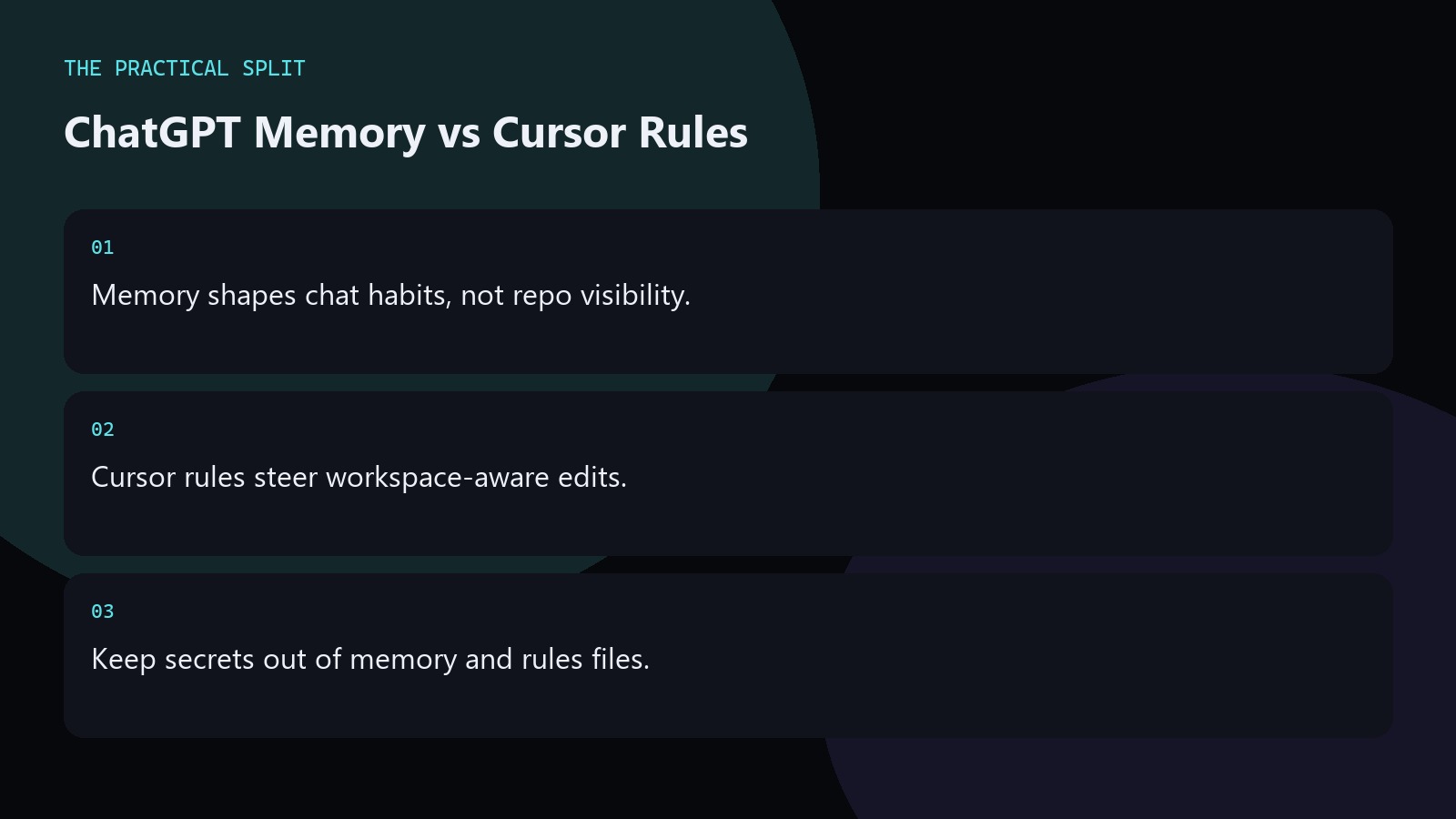
Use ChatGPT memory for durable chat preferences and Cursor rules for durable repository guidance. Memory does not give ChatGPT sight of your files. Rules do not replace a clear prompt. ChatGPT still needs paste or attachments for code. Cursor can read the workspace and apply rule text to edits. Keep secrets out of both. Write short, testable instructions instead of essays. Keep the workflow practical for ChatGPT Memory vs Cursor Rules: paste evidence, ask for a minimal patch, and verify with tests. ChatGPT only knows what you provide unless a coding tool is connected. An editor assistant can read the workspace for multi-file edits. Separate chat billing from editor billing,
What belongs in ChatGPT memory
Store stable preferences: languages you use, how you like patches formatted, and libraries you forbid. Do not store API keys, customer data, or one-off incident details. Memory helps the next chat start closer to your norms. It still cannot open your repository. When a task needs file truth, paste the files or move to Cursor. Keep the advice concrete for ChatGPT Memory vs Cursor Rules. State constraints, verify locally, and reject invented APIs. Prefer minimal patches you can review. Move multi-file work to an editor assistant that can read the workspace when paste fatigue starts.
- Preferences and format rules.
- No secrets or customer data.
- Still paste code for each bug.
What belongs in Cursor rules
Put project conventions in Cursor rules: folder layout, test commands, naming, and libraries the team standardizes on. Rules help the editor assistant stay aligned while it reads the workspace. Keep them short enough to follow. Link to internal docs for long policy. Confirm model availability on your Cursor plan, including India Start limits if that is your tier. Keep the advice concrete for ChatGPT Memory vs Cursor Rules. State constraints, verify locally, and reject invented APIs. Prefer minimal patches you can review. Move multi-file work to an editor assistant that can read the workspace when paste fatigue starts.
Read Cursor’s models and pricing docs when plan differences affect which models can follow those rules in practice.
Using both without conflict
Align the two: if ChatGPT memory says prefer minimal diffs, Cursor rules should say the same. When they conflict, the repo rules should win for apply steps. Use ChatGPT to draft rule text, then save it in the project. Review rule changes in PRs like any other engineering standard. Revisit quarterly as the stack changes. Keep the advice concrete for ChatGPT Memory vs Cursor Rules. State constraints, verify locally, and reject invented APIs. Prefer minimal patches you can review. Move multi-file work to an editor assistant that can read the workspace when paste fatigue starts.
- Keep wording aligned across tools.
- Repo rules win during apply.
- Review rule edits in PRs.
Related on this site
Frequently asked questions
-
Does ChatGPT memory read my Git repo?
No. Memory stores chat preferences you allow. Repository contents still require paste, attachments, or a connected coding tool. Cursor rules operate in the editor where workspace reading is possible. Keep the answer grounded in what you paste and what you can verify for ChatGPT Memory vs Cursor Rules. Check official pricing or docs when plans matter. Use an editor assistant when the workspace must be read. Review every generated change
-
Should I put API keys in either place?
No. Keep secrets in a secret manager or local env files that never enter chat memory or committed rules. Treat leaked keys as an incident even if the model is helpful. Keep the answer grounded in what you paste and what you can verify for ChatGPT Memory vs Cursor Rules. Check official pricing or docs when plans matter. Use an editor assistant when the workspace must be read. Review every
-
Can Cursor rules replace good prompts?
No. Rules set defaults. Each task still needs a clear goal, constraints, and failing evidence. Rules reduce repetition; they do not remove the need for a precise ask. Keep the answer grounded in what you paste and what you can verify for ChatGPT Memory vs Cursor Rules. Check official pricing or docs when plans matter. Use an editor assistant when the workspace must be read. Review every generated change before
-
Which should I set up first?
If you live in the editor, write Cursor rules first. If you live in browser chat, set memory preferences first. Most teams eventually want both aligned to the same coding standards. Keep the answer grounded in what you paste and what you can verify for ChatGPT Memory vs Cursor Rules. Check official pricing or docs when plans matter. Use an editor assistant when the workspace must be read. Review every
Sources
Bdeb Technology builds websites, WordPress systems, and tools on top of models like these. A written quote comes back within 24 hours.