
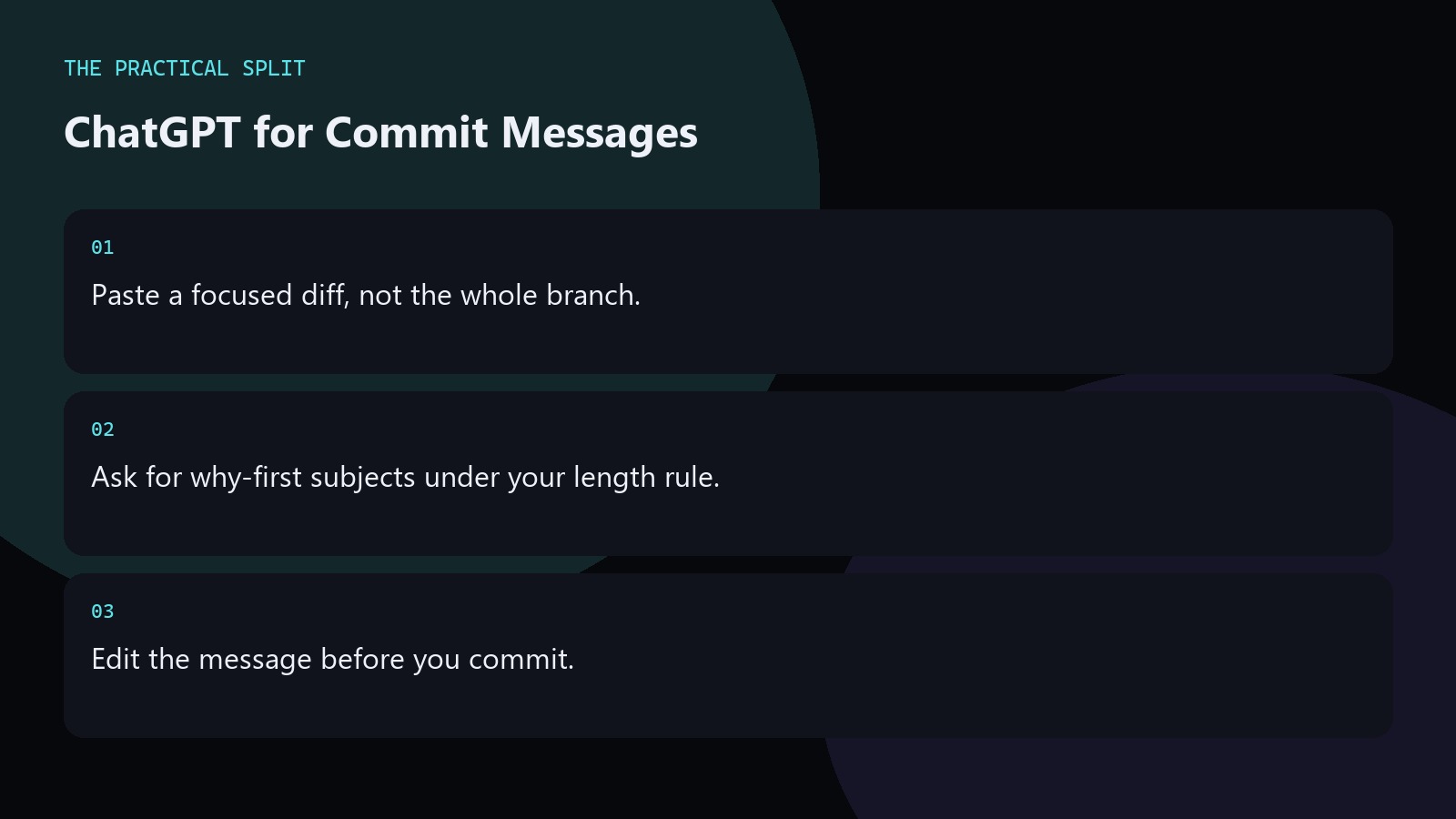
Use ChatGPT for commit messages by pasting a focused diff and asking for a subject that states why the change exists. You still edit the result. ChatGPT cannot see unstaged files you never pasted. Keep secrets out of the prompt. Prefer your team’s tense and length rules. A good message helps reviewers; a fluffy AI paragraph does not. Keep the workflow practical for ChatGPT for Commit Messages: paste evidence, ask for a minimal patch, and verify with tests. ChatGPT only knows what you provide unless a coding tool is connected. An editor assistant can read the workspace for multi-file edits. Separate chat billing from editor billing, and re-check official pricing
Prompt for useful commit copy
Include the diff and one sentence of intent. Ask for a subject line and an optional body. Tell ChatGPT your style: imperative mood, fifty-character soft limit, or Conventional Commits if you use that. Request no marketing language. If multiple concerns are in the diff, ask the model to recommend a split instead of one muddy message. Keep the advice concrete for ChatGPT for Commit Messages. State constraints, verify locally, and reject invented APIs. Prefer minimal patches you can review. Move multi-file work to an editor assistant that can read the workspace when paste fatigue starts.
- Intent plus focused diff.
- State length and tense rules.
- Split mixed concerns when needed.
What to avoid in AI commit messages
Avoid subjects that only restate the file list. Avoid empty words like comprehensively and seamlessly. Avoid pasting production secrets that appeared in the diff. Avoid committing the first draft without reading it. If the model invents a ticket ID, delete it. Your message should match the diff you are actually staging. Keep the advice concrete for ChatGPT for Commit Messages. State constraints, verify locally, and reject invented APIs. Prefer minimal patches you can review. Move multi-file work to an editor assistant that can read the workspace when paste fatigue starts.
For large refactors, write the why yourself and let ChatGPT tighten grammar only.
Fit commits into editor workflows
Some editor assistants can draft messages from the staged diff directly. That often beats browser ChatGPT because the staged set is accurate. Use ChatGPT when you are reviewing a pasted patch outside the IDE. Either way, run tests before you commit. Message quality does not fix broken code. Keep the advice concrete for ChatGPT for Commit Messages. State constraints, verify locally, and reject invented APIs. Prefer minimal patches you can review. Move multi-file work to an editor assistant that can read the workspace when paste fatigue starts.
- Prefer staged-diff tools in-editor.
- Use chat for pasted patches.
- Tests before commit always.
Related on this site
Frequently asked questions
-
Should ChatGPT write every commit message?
No. Use it when the diff is awkward to summarize. For tiny clarity fixes, write the message yourself. Always edit AI text so it matches what you staged. Keep the answer grounded in what you paste and what you can verify for ChatGPT for Commit Messages. Check official pricing or docs when plans matter. Use an editor assistant when the workspace must be read. Review every generated change before you
-
What if the diff mixes two features?
Do not ask for one heroic message. Split the commit. Ask ChatGPT for two subjects after you separate the changes. Mixed commits hurt review more than awkward wording. Keep the answer grounded in what you paste and what you can verify for ChatGPT for Commit Messages. Check official pricing or docs when plans matter. Use an editor assistant when the workspace must be read. Review every generated change before you
-
Can I paste the entire branch?
Prefer the staged hunks for the commit you are making. Entire branches produce vague messages. Focus the paste on the change about to land. Keep the answer grounded in what you paste and what you can verify for ChatGPT for Commit Messages. Check official pricing or docs when plans matter. Use an editor assistant when the workspace must be read. Review every generated change before you merge it.
-
Do I need Plus for commit help?
Usually no. Commit messaging is a small prompt. Free chat is often enough. Check OpenAI pricing only if you are already deciding on a paid plan for heavier coding work. Keep the answer grounded in what you paste and what you can verify for ChatGPT for Commit Messages. Check official pricing or docs when plans matter. Use an editor assistant when the workspace must be read. Review every generated change
Sources
Bdeb Technology builds websites, WordPress systems, and tools on top of models like these. A written quote comes back within 24 hours.